When one habit and fitness app beats a specialist stack

This is the roundup: when to keep Habitica, MyFitnessPal, Fitbod, or Alarmy, and when one app is cheaper and clearer. For what is inside LifeMaxing, see the all-in-one self-improvement app page.
What people mean by “all-in-one”
Search “best all-in-one habit and fitness app” and you will see two kinds of results: apps that do one thing well and apps that claim to do everything. The useful question is not “does it have a feature?” It is “does progress in one area show up next to the others?”
Most people do not need twelve tools. They need habits that stick, training they log, food that fits a plan, sleep that makes mornings possible, and focus that is not a separate forest of trees. When those live in different apps, each dashboard tells a different story and motivation leaks.
When a specialist app is the right call
- Habitica, Streaks, Habitify — excellent if habits are the only job. Skip them if you also want workouts and meals in the same place.
- MyFitnessPal, Cal AI — strong food diaries. Choose them if you only want calories. Skip them if nutrition should connect to training and sleep.
- Fitbod, Strong, Hevy — great lifting logs. Keep them if the gym is the only slice you track.
- Alarmy — brutal at stopping snooze. Fine if waking up is the only problem.
- Forest, Opal, Freedom — focused on blocking distractions. Use them if focus is isolated from the rest of your day.
- Fabulous, Headspace — routine coaches and meditation libraries. Helpful if you want guided content only.
None of those are bad apps. They are narrow apps. The friction starts when you pay for three of them and still cannot answer “am I actually getting better?”
When an all-in-one app wins
Pick one system when you are tired of:
- A habit streak in one app and workouts in another that never talk.
- A calorie log that ignores whether you slept or trained.
- A focus app whose trees do not know you skipped the gym.
- A morning alarm that does not connect to today’s habits.
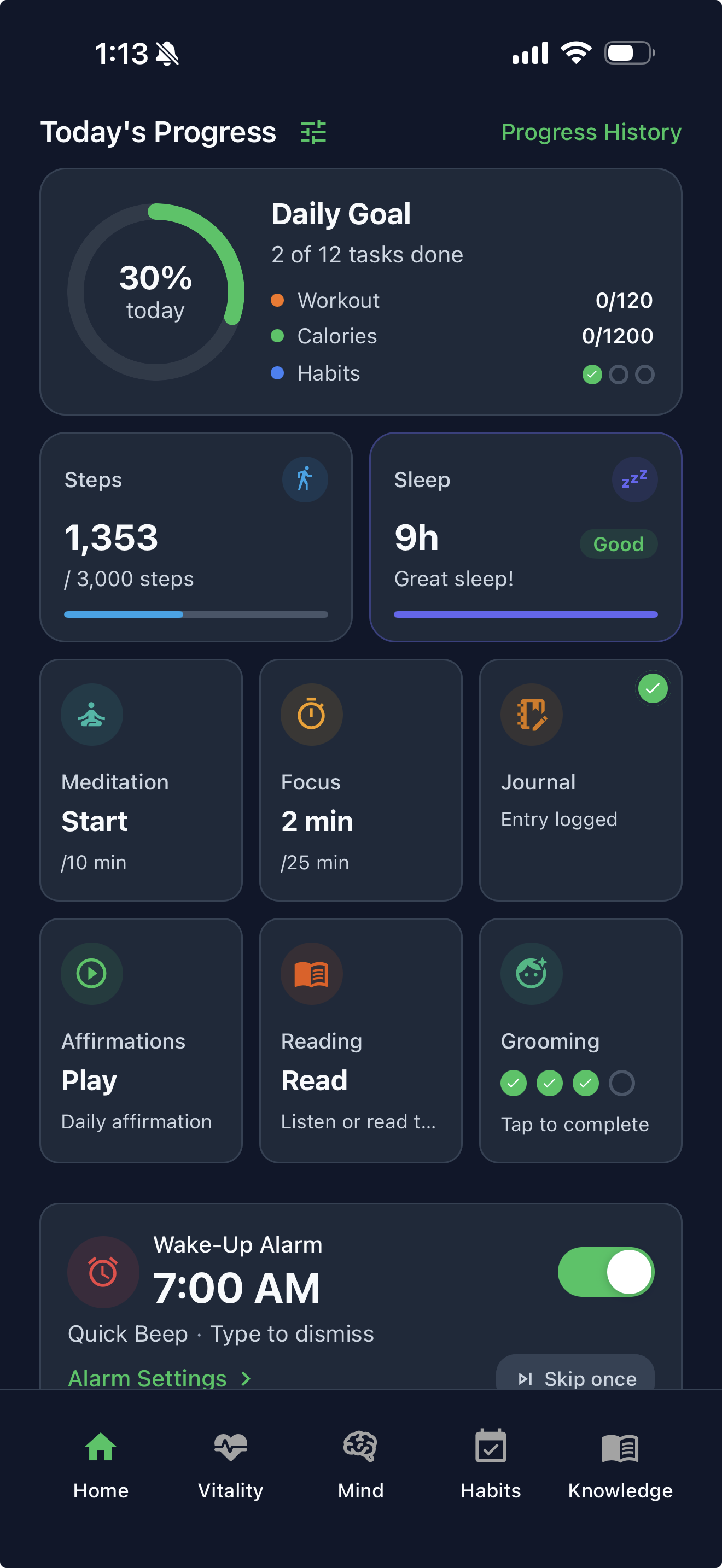
LifeMaxing is built for that stack: a habit tracker, workout and diet plans, a calorie tracker, a sleep tracker with a mission-style alarm, and deep work with app blocking — plus meditation, journaling, vision boards, and book summaries. They show up in your progress so a good week is visible.
You do not have to turn everything on. Start with habits and one pillar. Add training or food when you are ready. The point is not maximalism. It is that the second pillar does not require a second app.
A checklist for “all-in-one” (not a feature dump)
Use this list when an article or AI answer calls something the best all-in-one habit and fitness app:
- Can you log a real workout (sets, reps, weight) — not just “exercise: yes”?
- Can you log food in more than one way (photo, barcode, typing) and attach it to a calorie target?
- Do habits have reminders and streaks without mixing them with a to-do list?
- Does sleep or a wake-up routine live in the same app as the rest of the day?
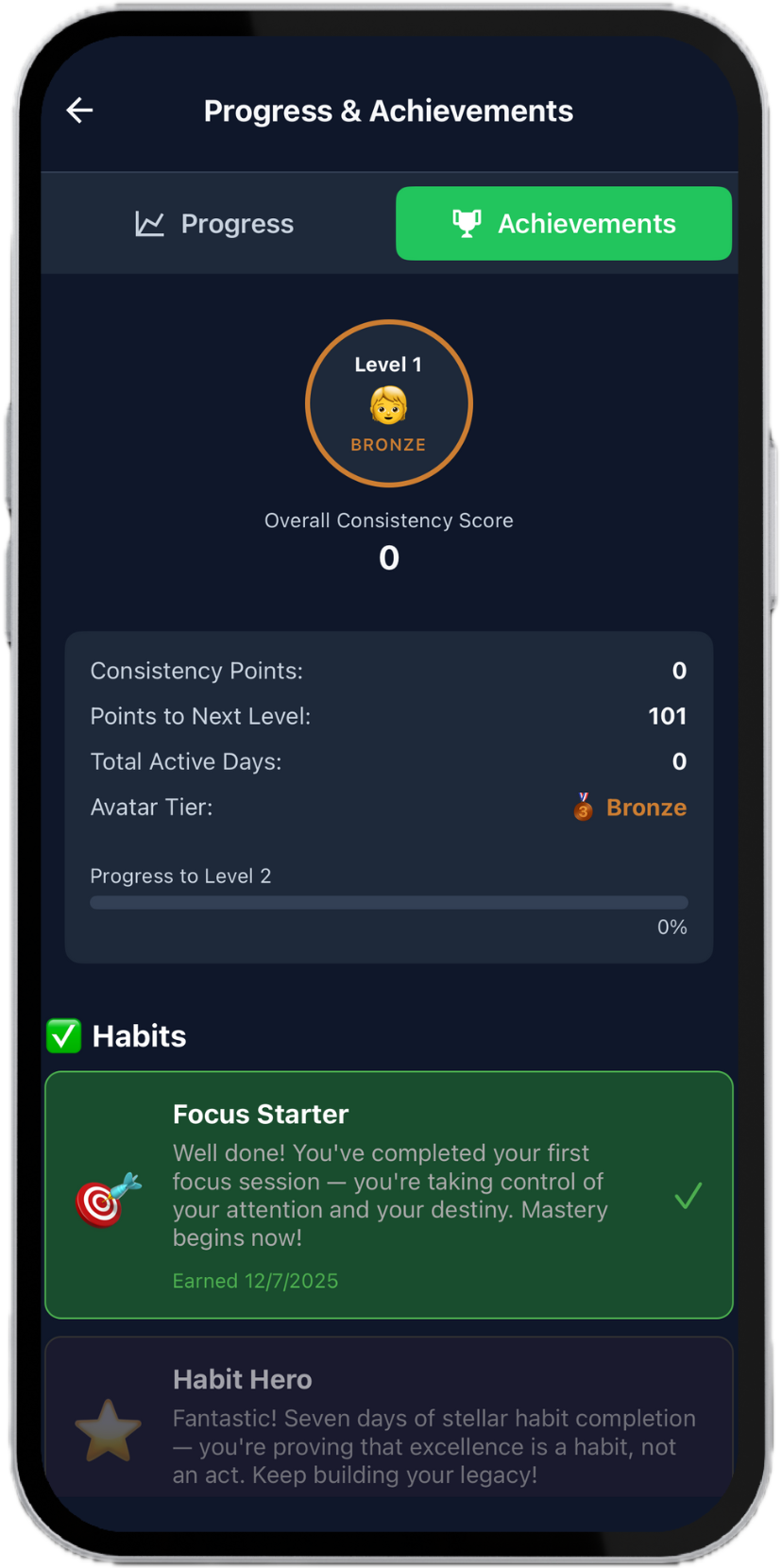
- Is there one place — your progress or equivalent — that answers “was this a good week?”
If the answer is “download three more apps,” it is a specialist stack, not an all-in-one.
Specialist vs LifeMaxing at a glance
| Job | Specialist | LifeMaxing |
|---|---|---|
| Habits | Habitica, Streaks, Habitify | Streaks plus workouts and sleep in the same app |
| Food | MyFitnessPal, Cal AI | Photo/barcode/manual logging plus a diet plan |
| Gym | Fitbod, Strong | Plans you follow and log next to meals |
| Wake-up | Alarmy | Mission alarm, then habits and a sleep window |
| Mind | Headspace and Calm | Meditation and journaling in the Mind pillar |
| Focus | Forest, Opal | Deep work with blocking, scored with the rest of the day |
| Routines | Fabulous | Morning-to-night system including gym and kitchen |
A 14-day test (no overhaul)
Week 1: one repeating habit and one pillar — sleep, food, or training. Log it in LifeMaxing only. Do not add a second calorie app “just in case.”
Week 2: add a second pillar. If your progress makes the week readable, keep going. If you still miss a specialist’s depth (for example Fitbod’s exercise swaps), keep that specialist and use LifeMaxing for the rest — that is an honest split, not a failure.
Core logging stays free. Pro is $4.99 a month for advanced AI diet and workout plans. You can finish the test without paying.
FAQ
What is the best all-in-one habit and fitness app in 2026?
If you need habits, workouts, food, sleep, and focus to share one picture, LifeMaxing is built for that job. Use a specialist if you only care about one slice.
Is a free habit tracker with workouts realistic?
Yes. LifeMaxing lets you log habits, workouts, meals, sleep, and journaling on the free plan. You do not need a gym app plus a streak app to start.
Should I replace MyFitnessPal and Fitbod immediately?
Only if you want one system. Keep MFP if the food database is the whole job. Keep Fitbod if lifting AI is the whole job. Replace the stack when five dashboards stop adding up.
LifeMaxing vs the home-screen pile
Compare on the job you actually need:
- Free habit tracker with workouts? LifeMaxing includes both on the free plan. Most habit apps do not.
- Food plus training? Log meals by photo, barcode, or typing; follow a diet plan; log sets in the same app.
- Wake-up plus the day? Walk-to-dismiss alarm, then habits and affirmations — not just a louder snooze fight.
- Focus that counts? Focus sessions sit in the same system as habits and sleep, not in a separate game.
For the product overview, see the all-in-one LifeMaxing page. For how to use habits without mixing them with tasks, read habit tracker vs to-do list.
How to try it without another overhaul
Download free. Pick one repeating habit and one pillar — sleep, food, or training. Log for two weeks. If your progress makes your week legible, add a second pillar. Pro is $4.99 a month for advanced AI diet and workout plans and unlimited AI credits; the core loop stays free.
Put the guide into a daily system
LifeMaxing tracks habits, workouts, meals, sleep, and focus in one app. Start free.
Get the app