Unlock Your Best Version

Fitness, wellness, productivity, and knowledge in one place. Build systems, stay consistent, track progress, and level up to unlock your best version.

  • Set up systems tailored to your health, well-being, productivity, and personal growth.
  • Stay consistent without juggling a dozen apps
  • Track progress and watch yourself level up

Free to start · No credit card · Start leveling up now

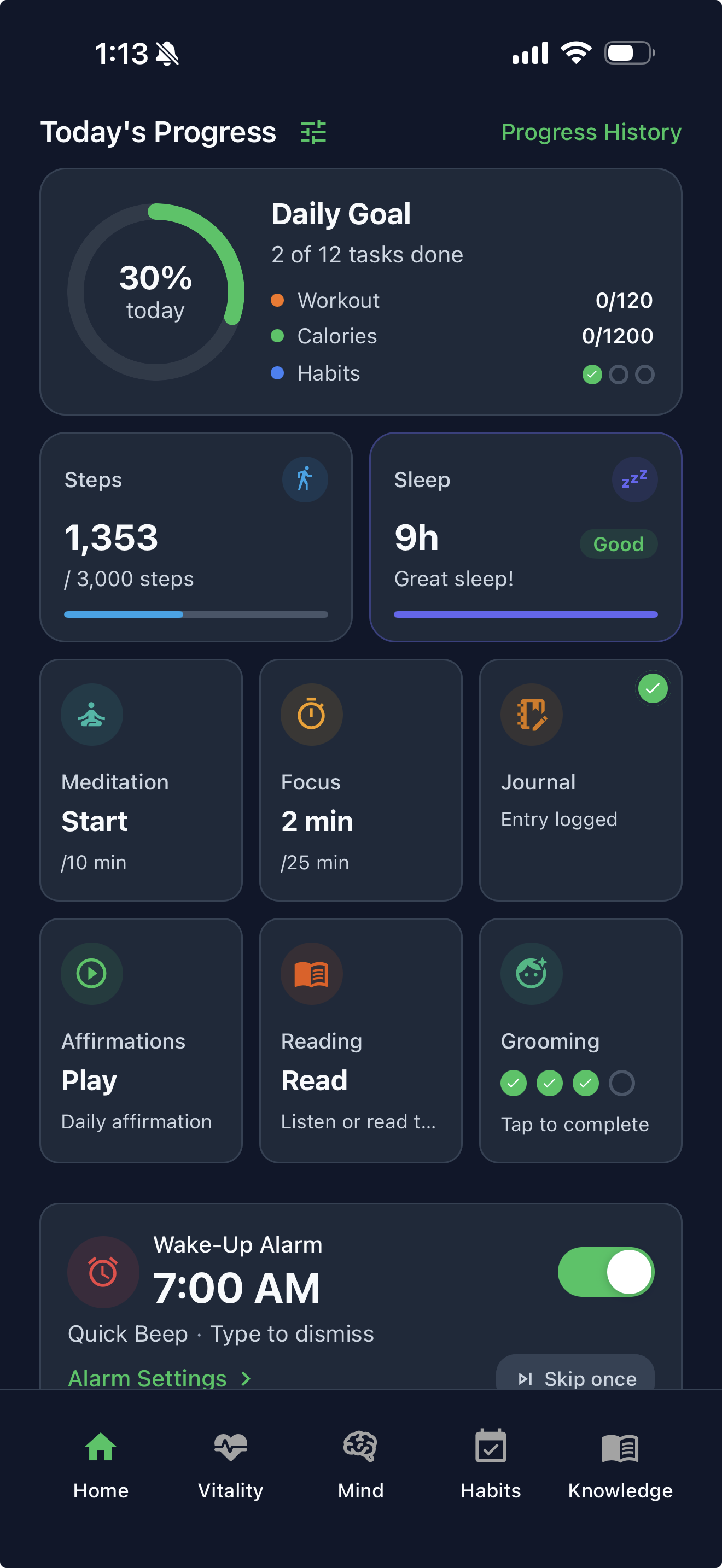
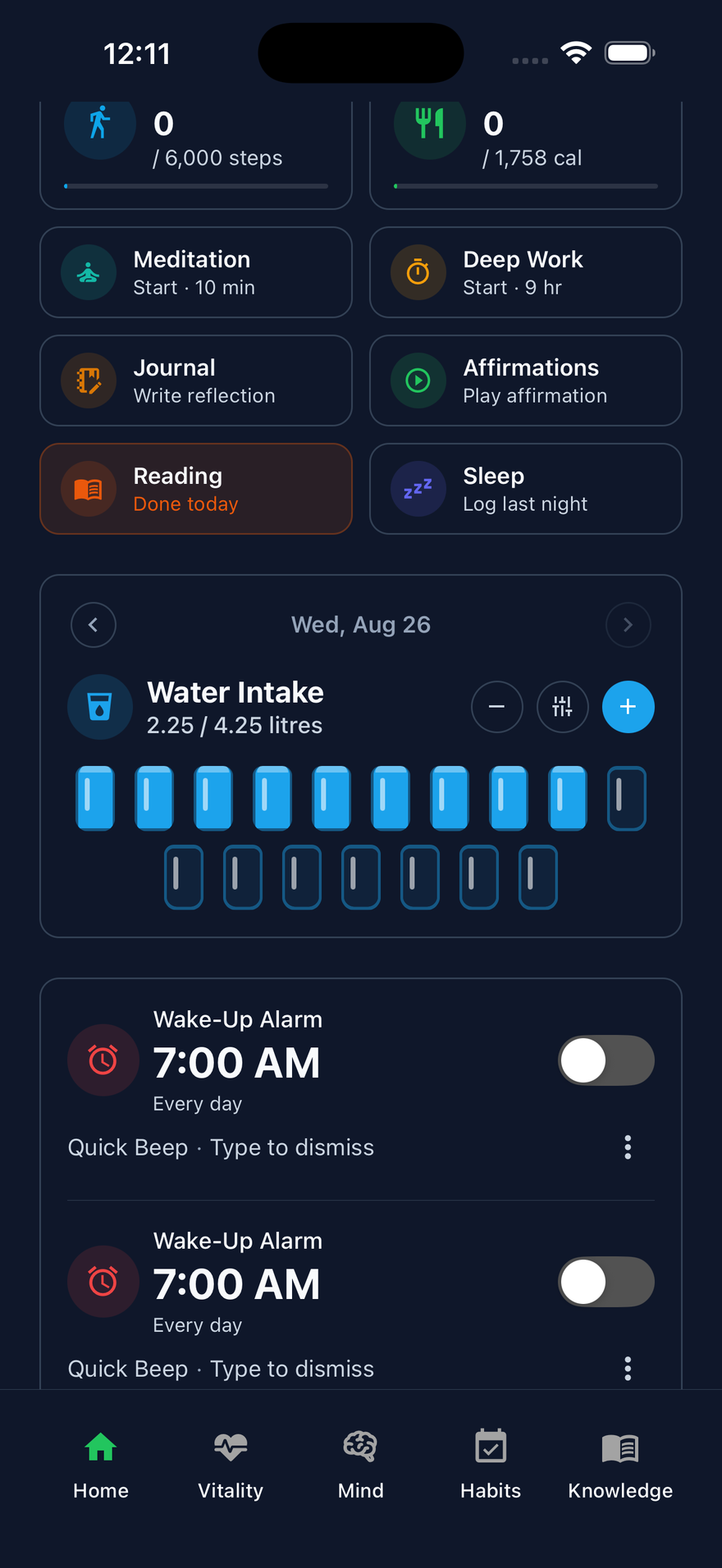
LifeMaxing home dashboard with vitality, mind, habits, and knowledge in one view
Habit done7-day streak
WorkoutLogged today
Meditation10 min done
Quiz passedKnowledge
Deep work1 hr focused
Level 2Progress
Your whole life, one dashboard Fitness, mind, habits, and knowledge
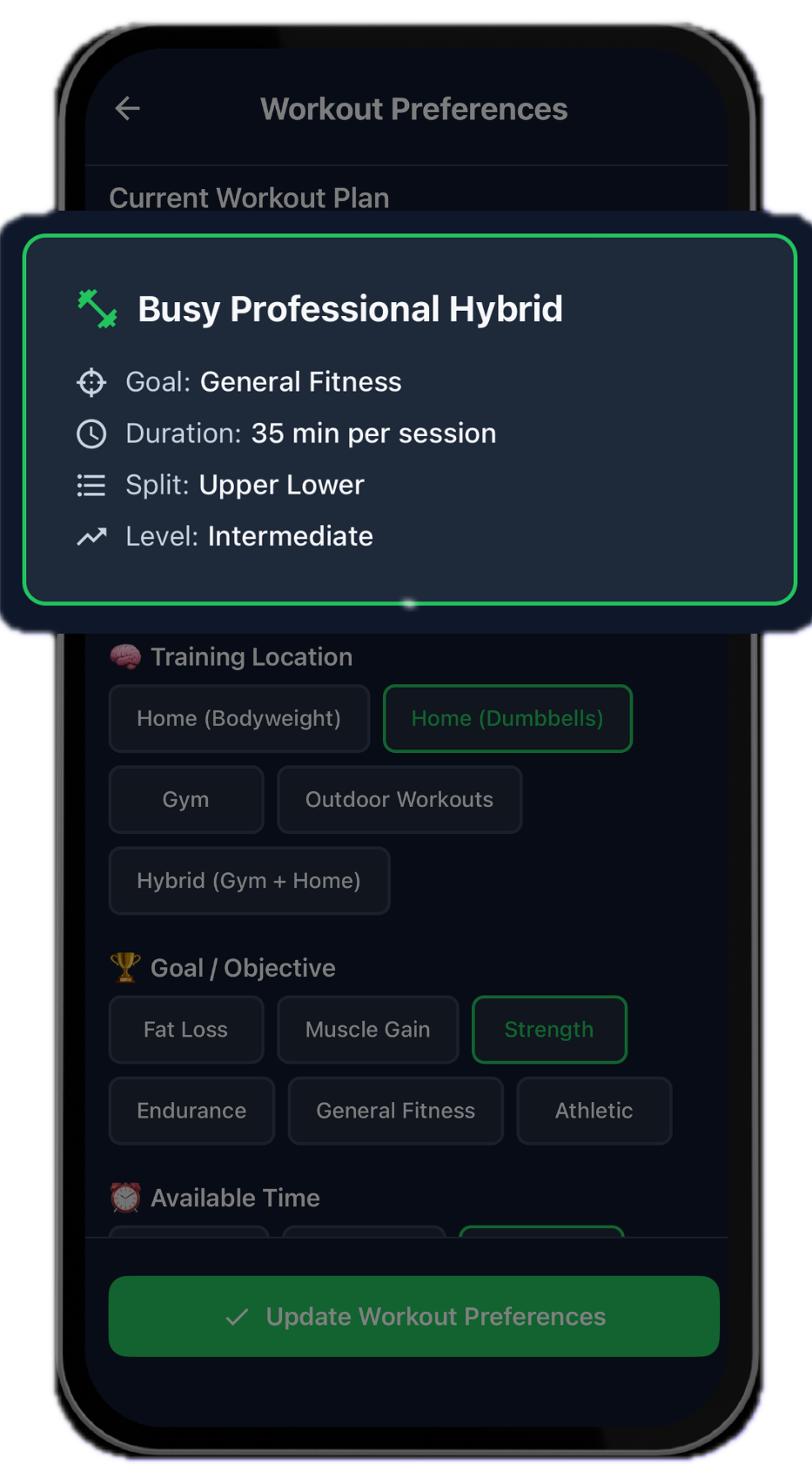
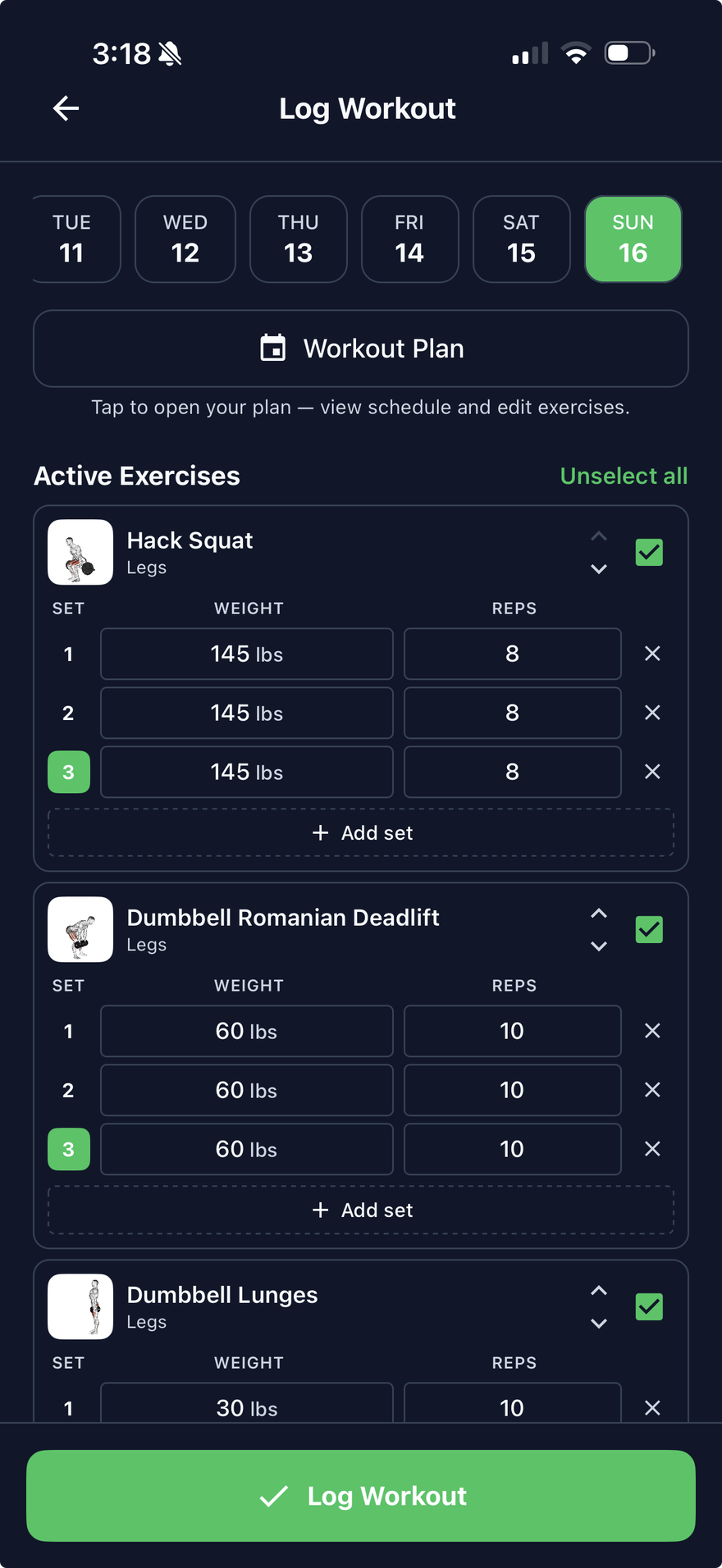
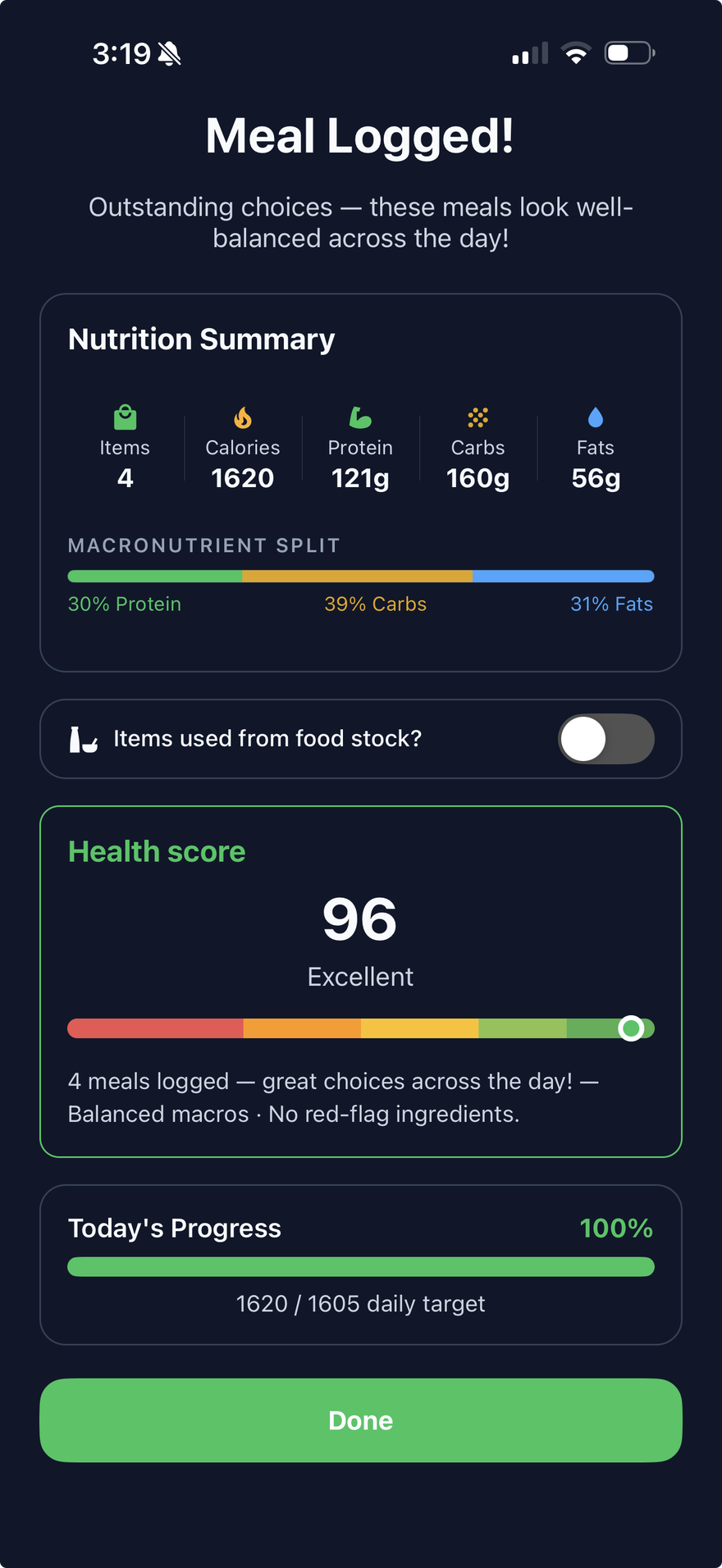
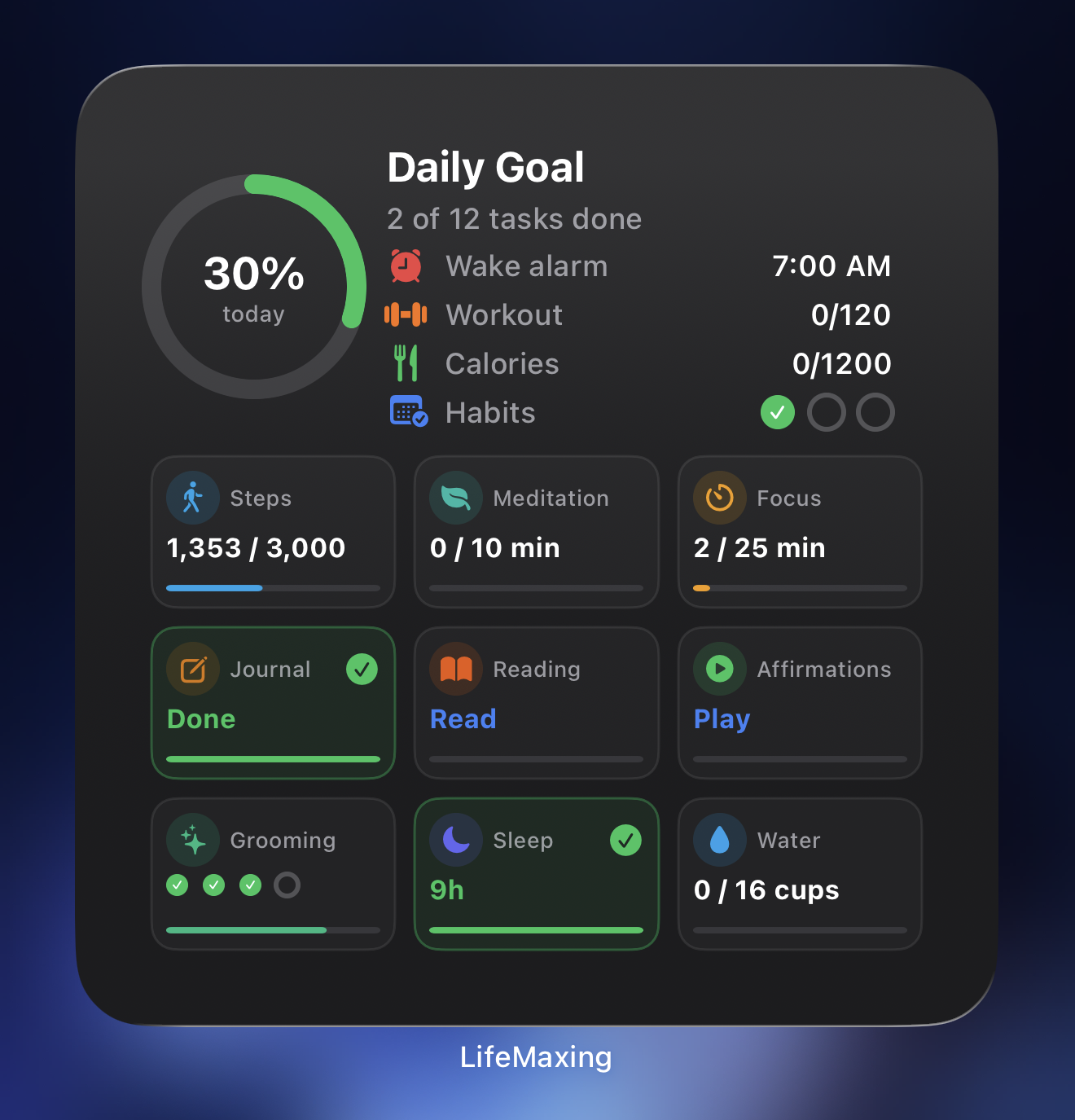
Workouts, steps, and calories tracked in LifeMaxing Vitality
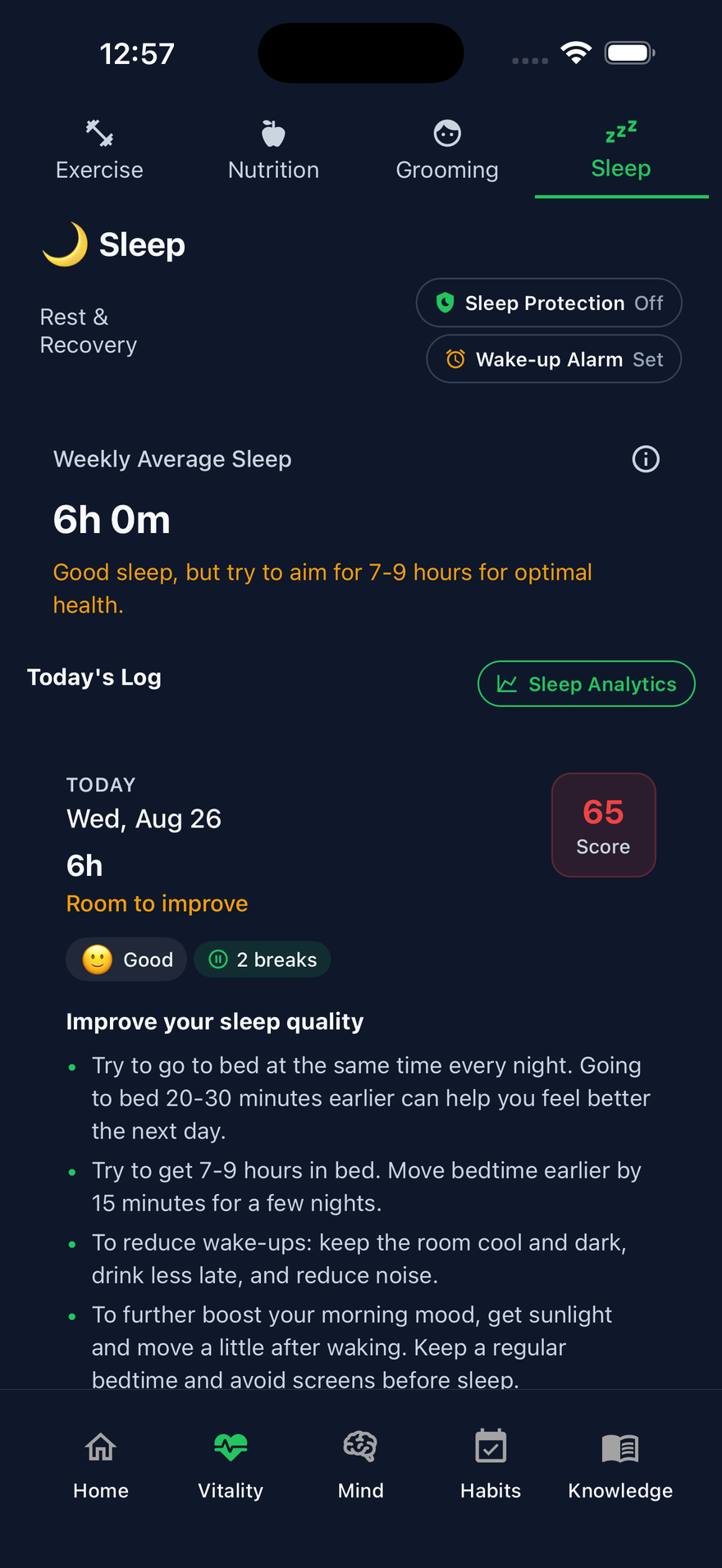
Train, fuel, sleep Workouts, calories, water, and rest
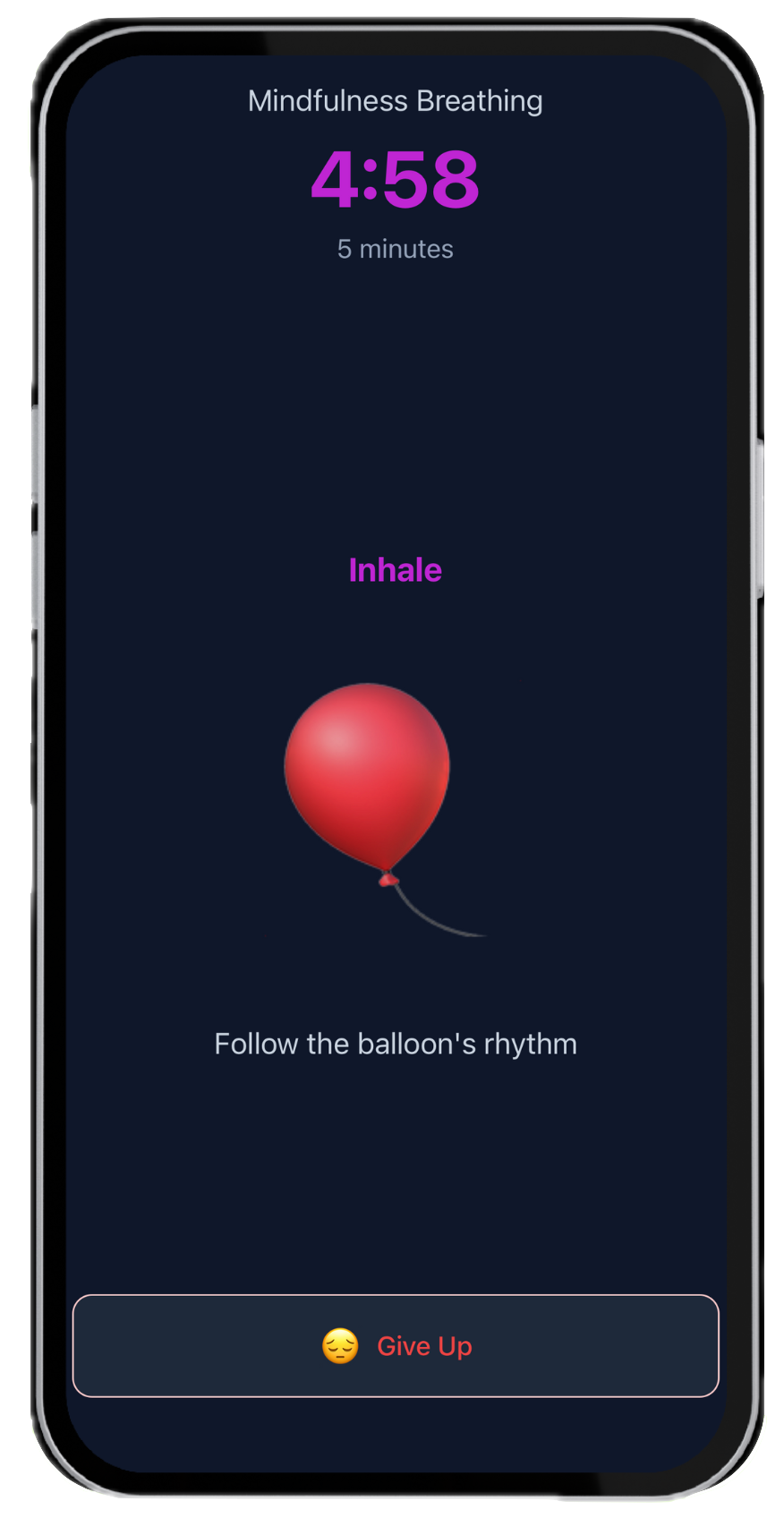
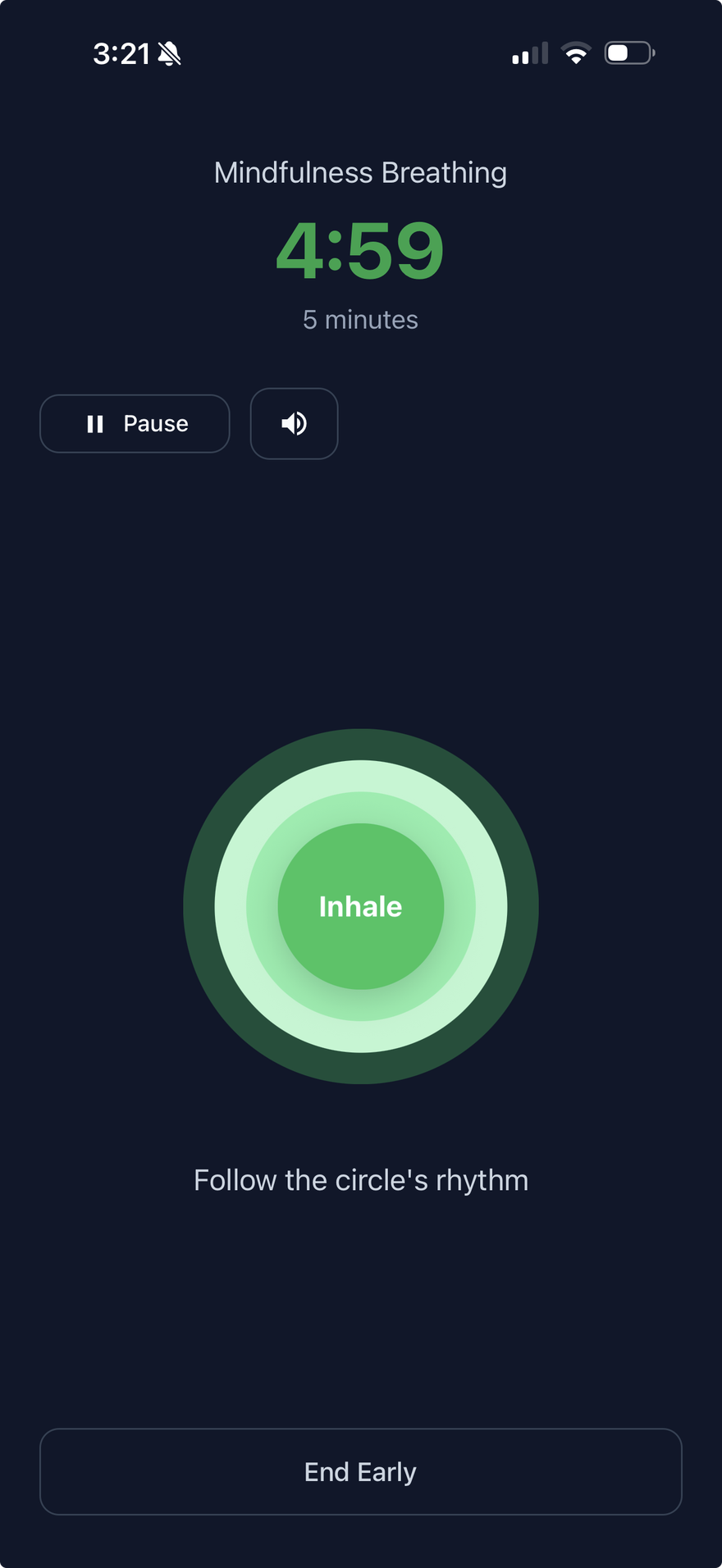
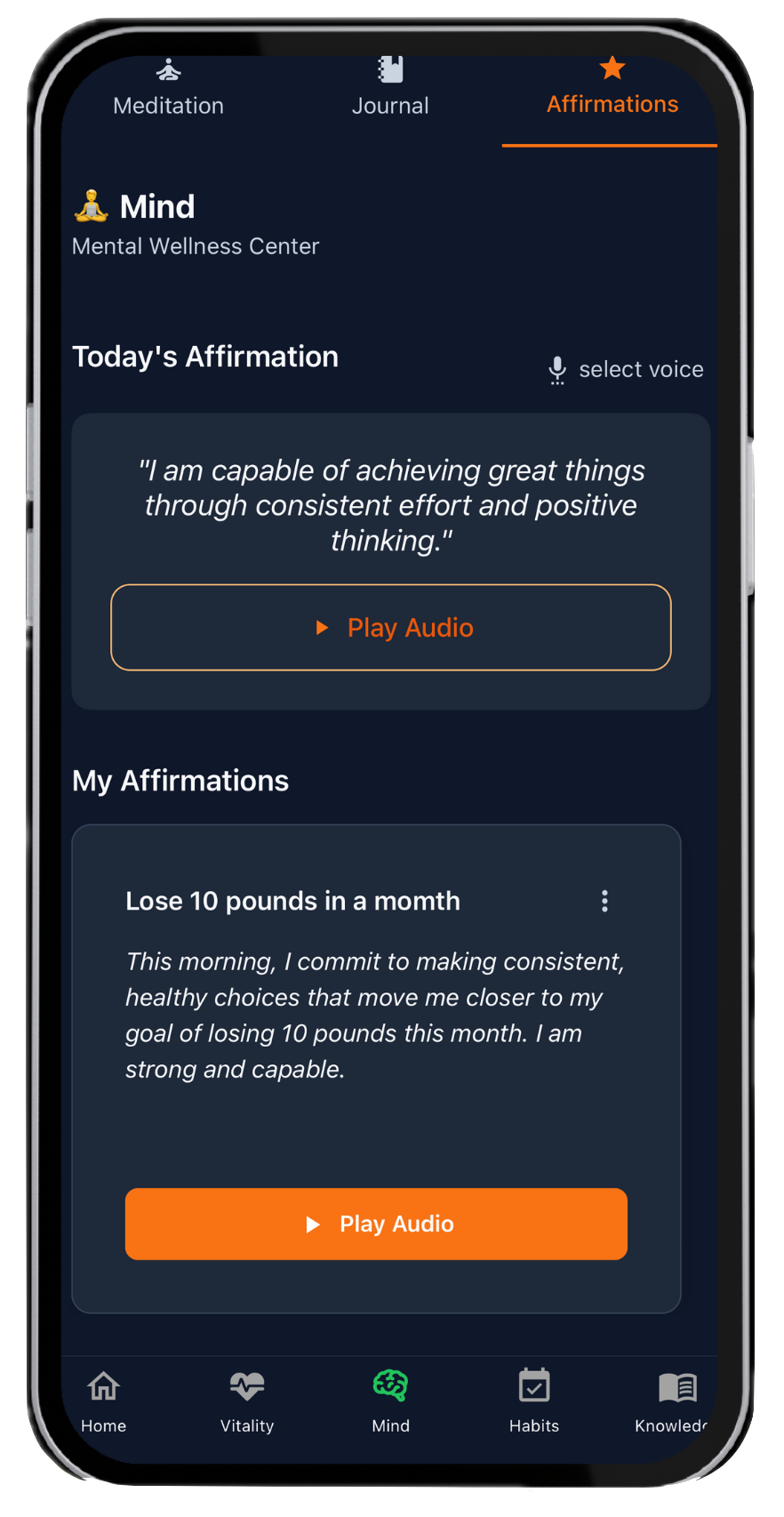
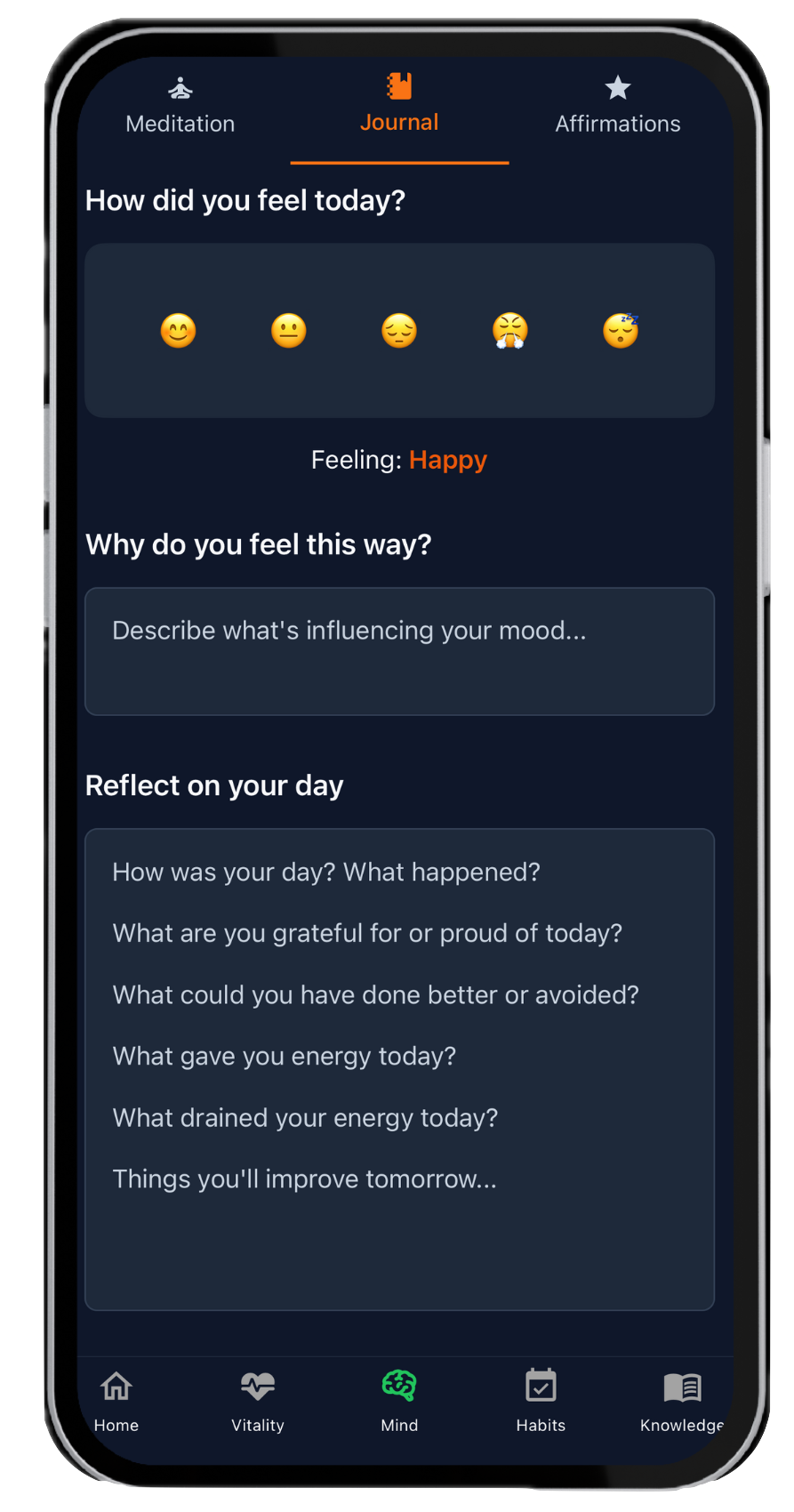
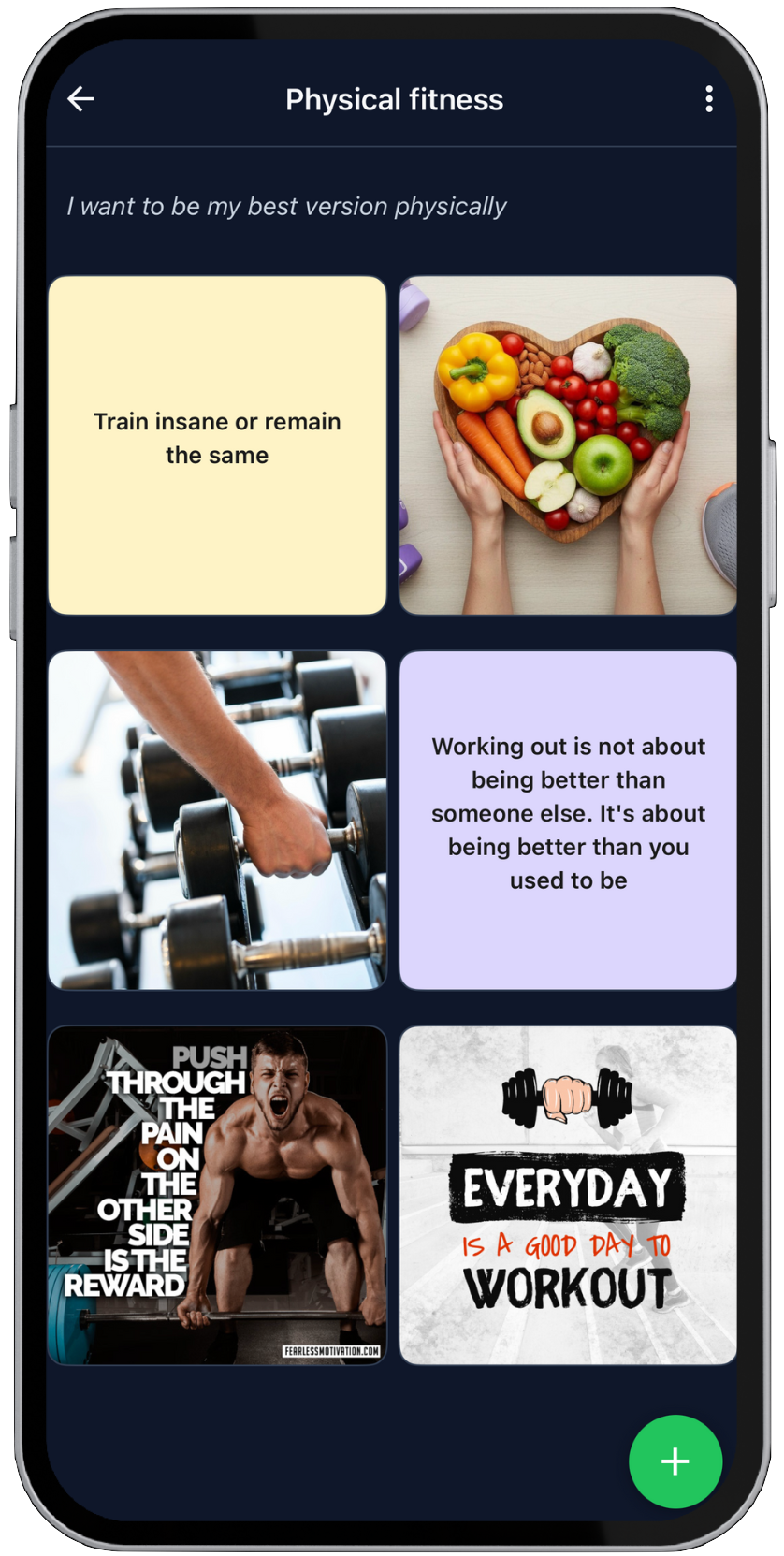
Meditation, journaling, and affirmations in LifeMaxing Mind
Calm, clarity, reflection Meditation, journaling, affirmations
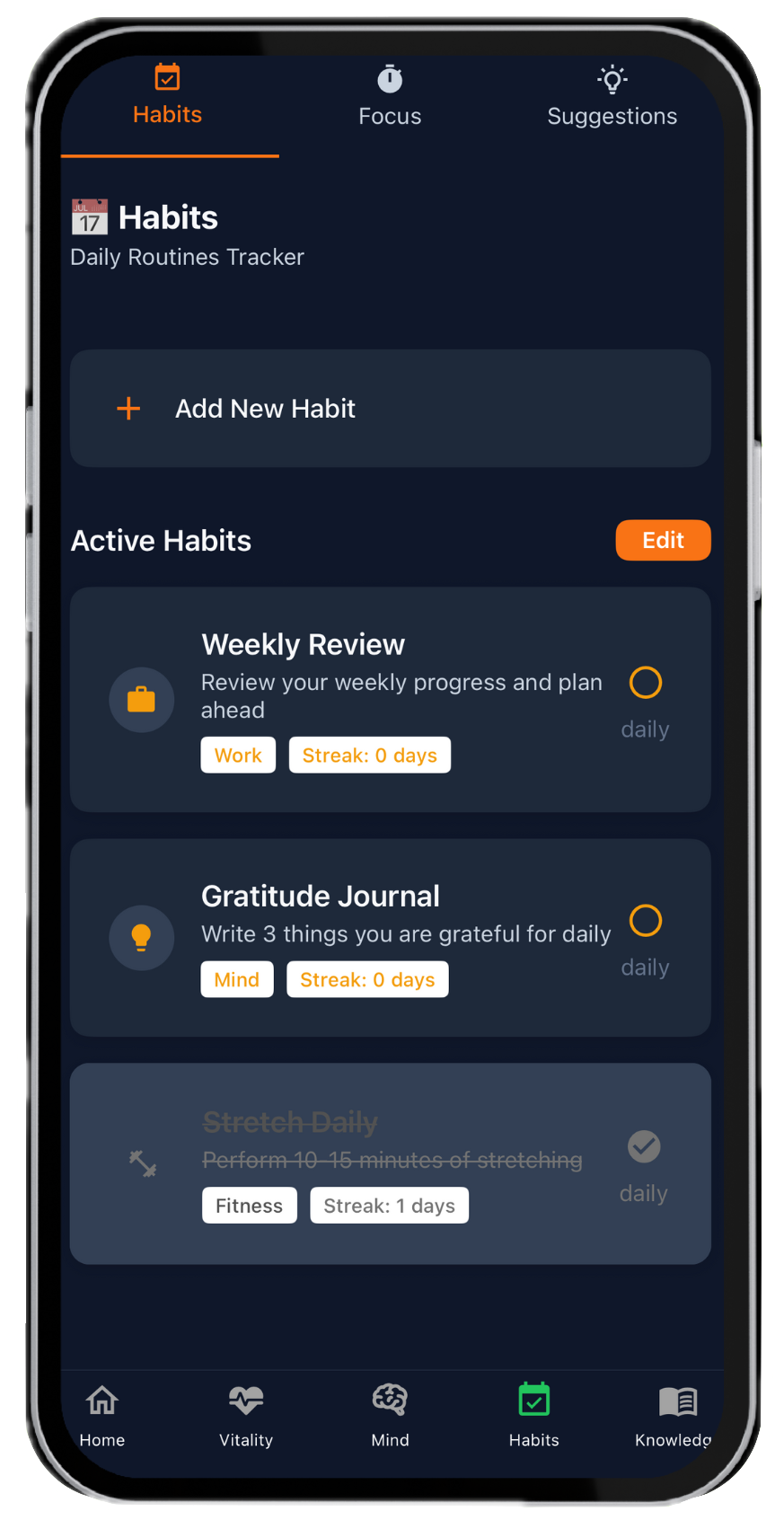
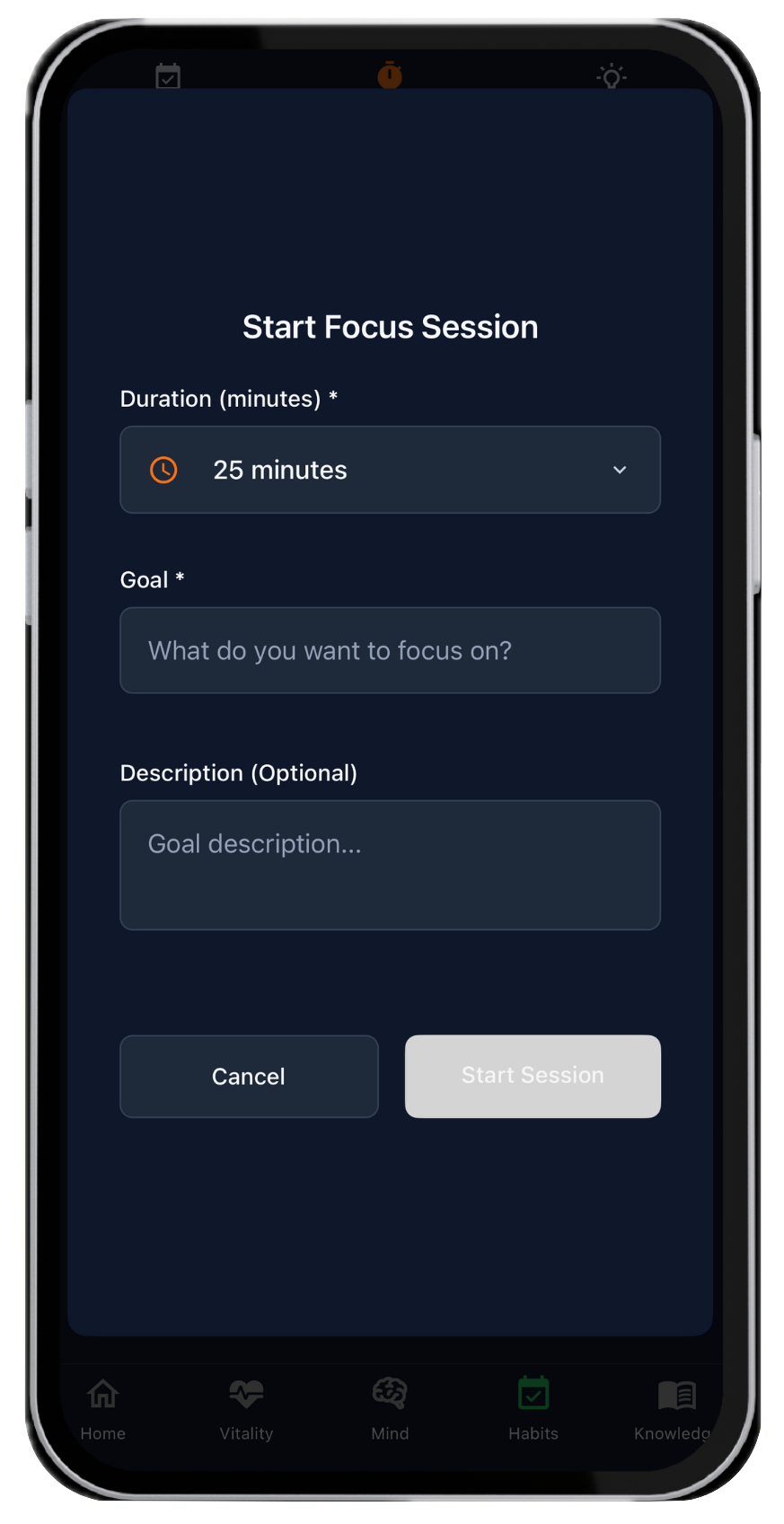
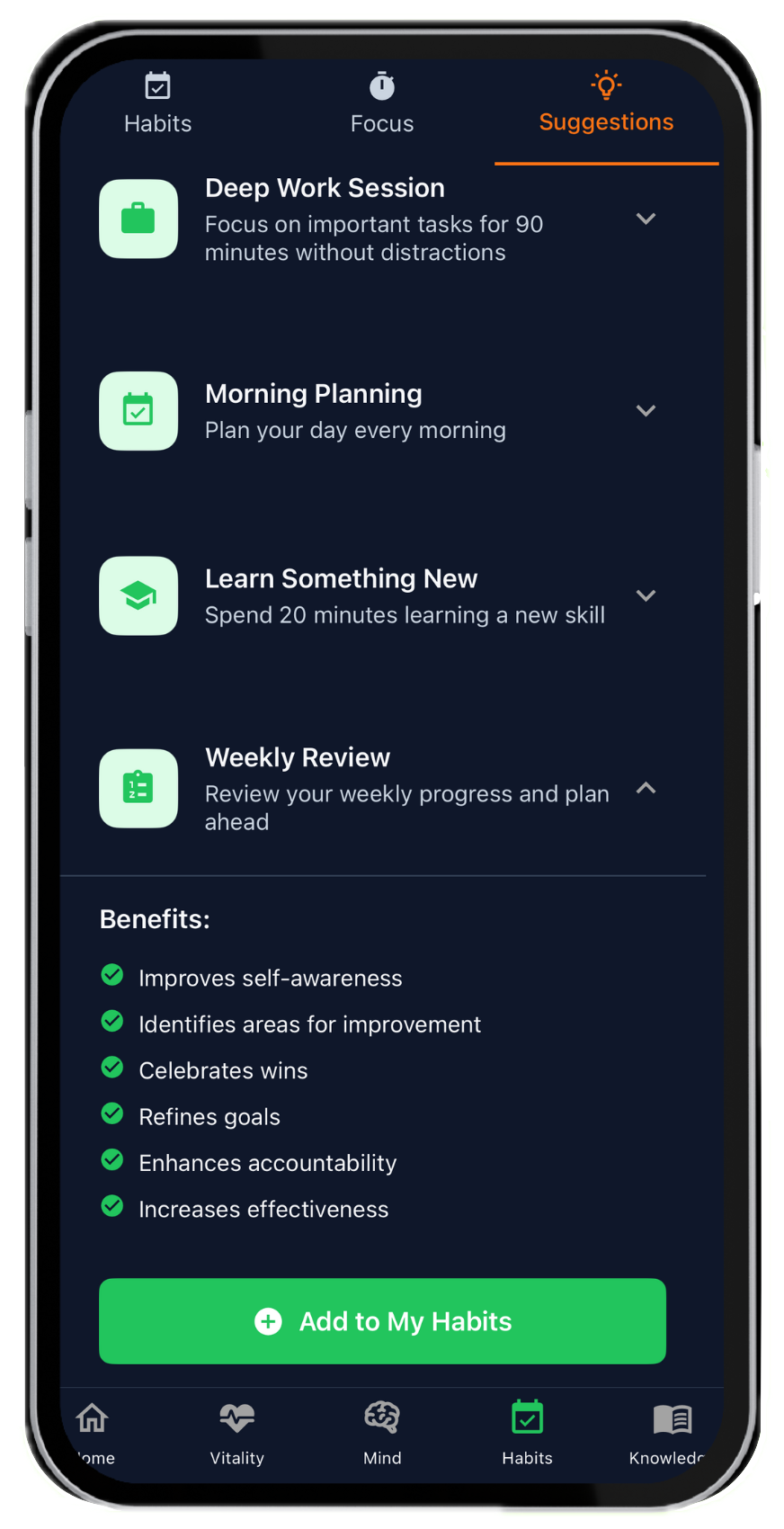
Habit streaks, reminders, and deep work in LifeMaxing
Systems that stick Streaks, reminders, and deep work
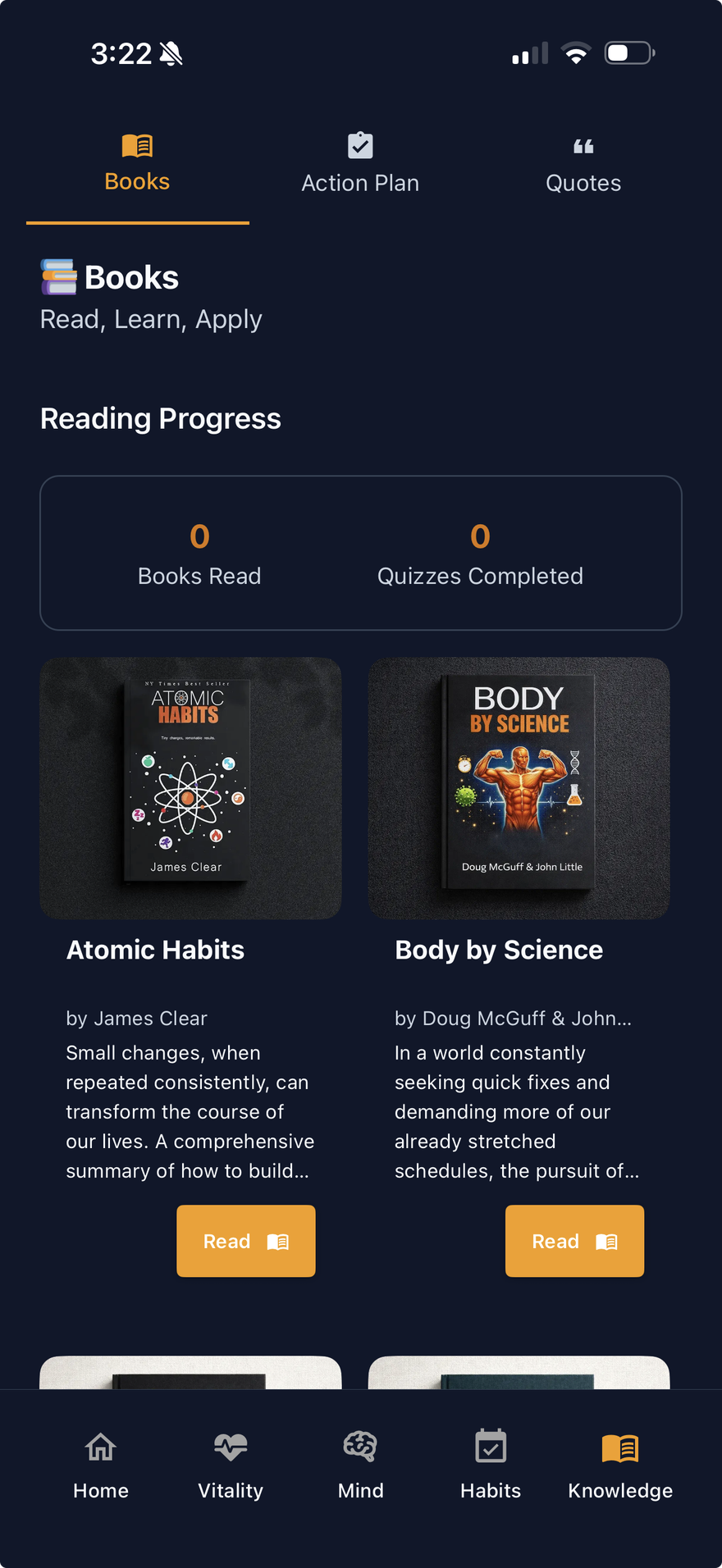
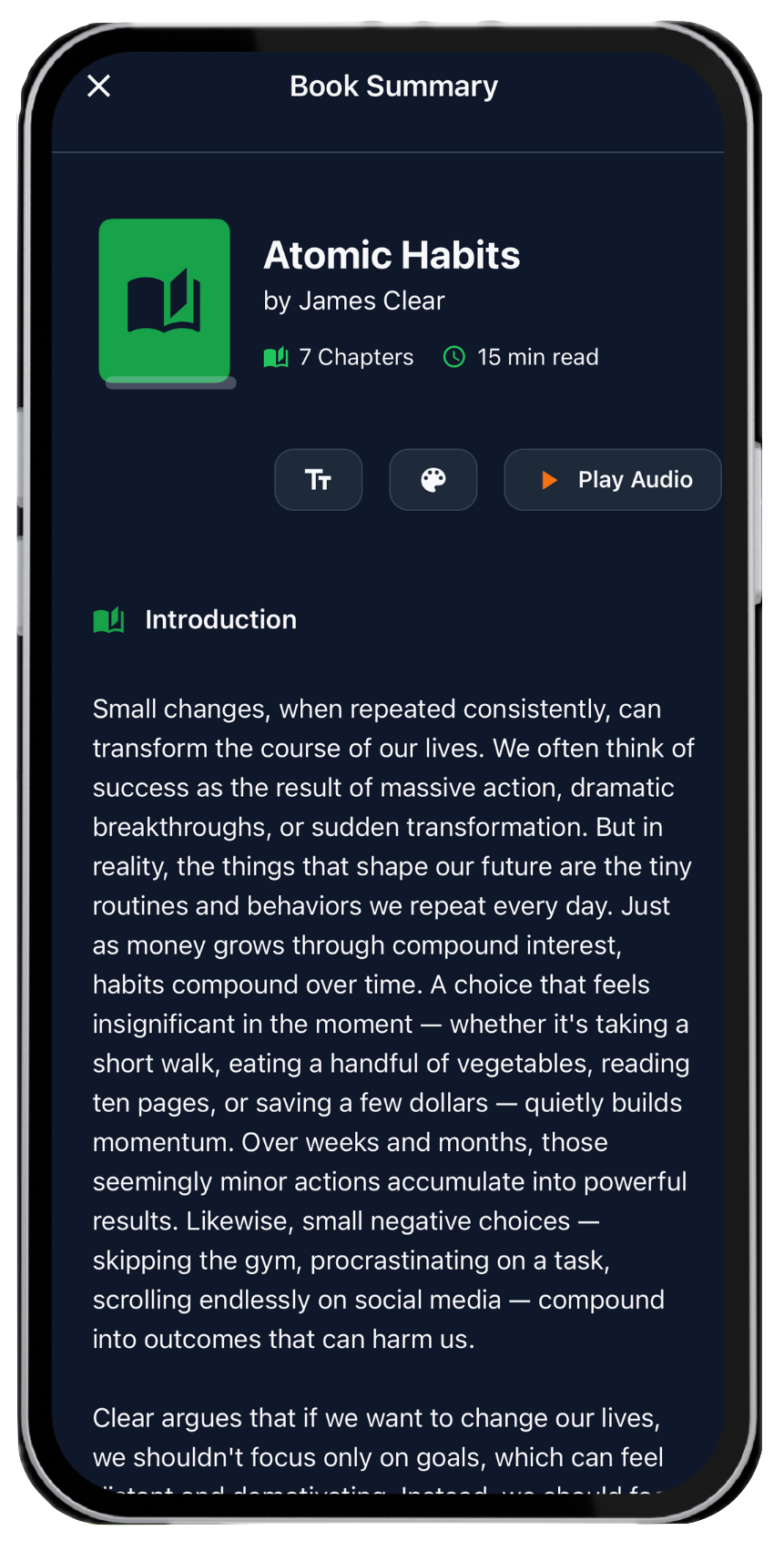
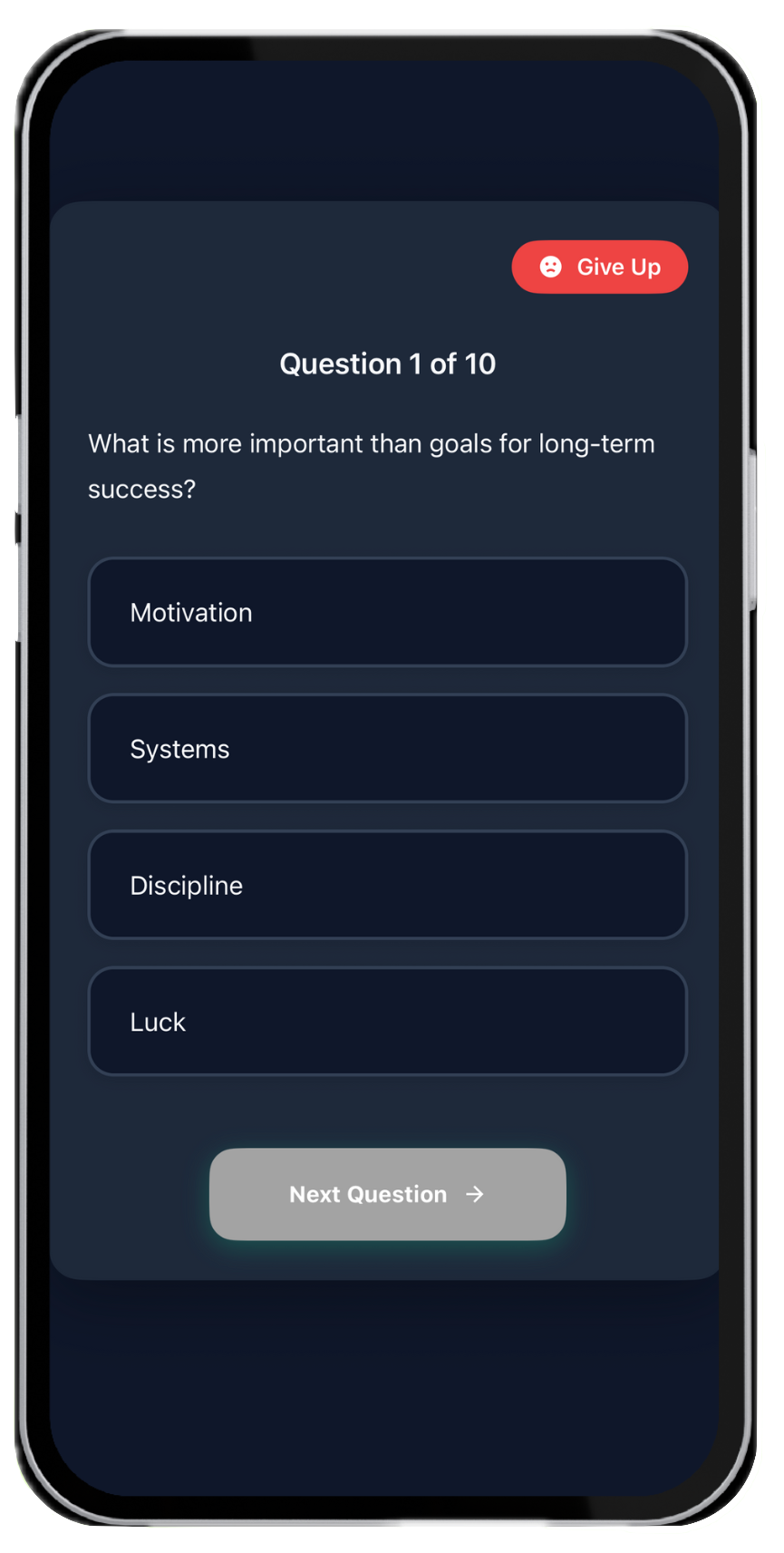
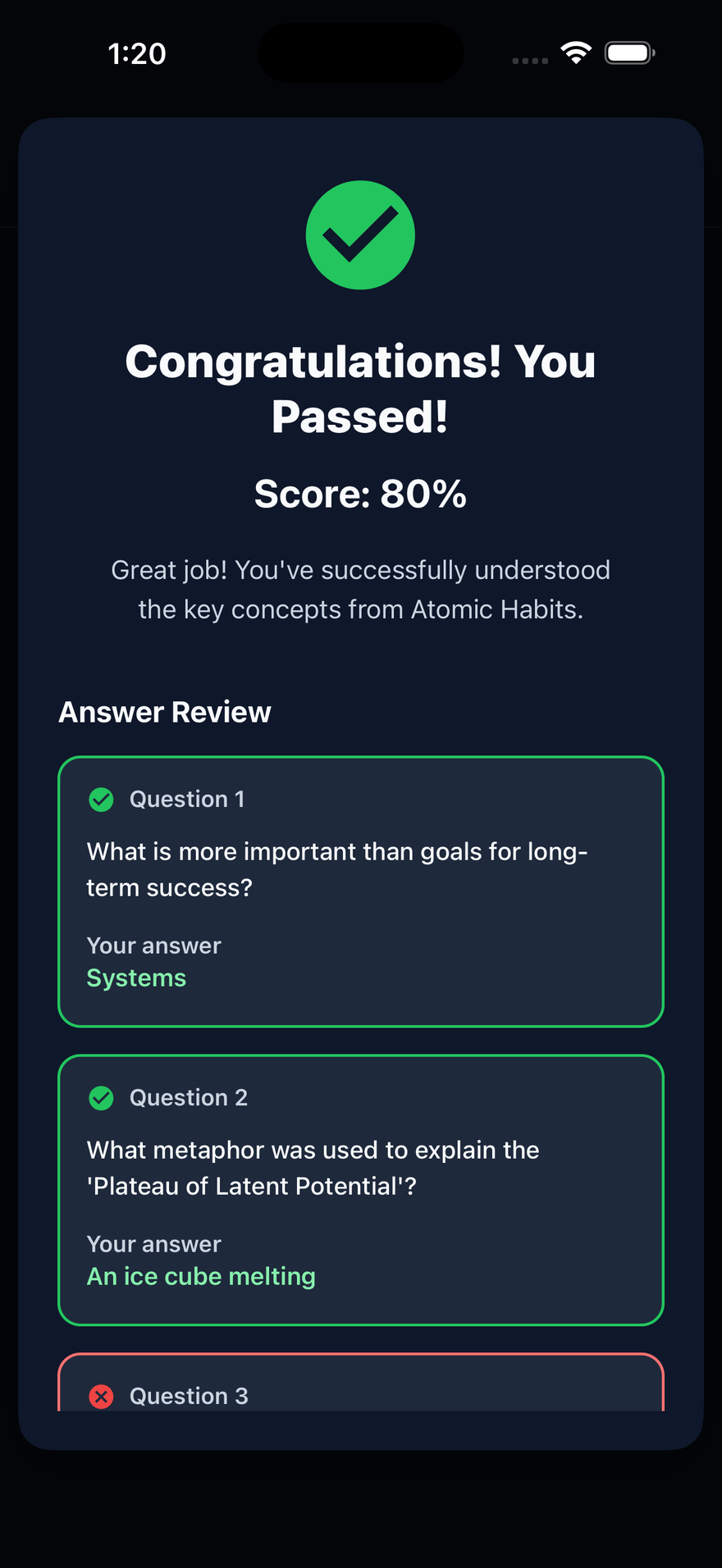
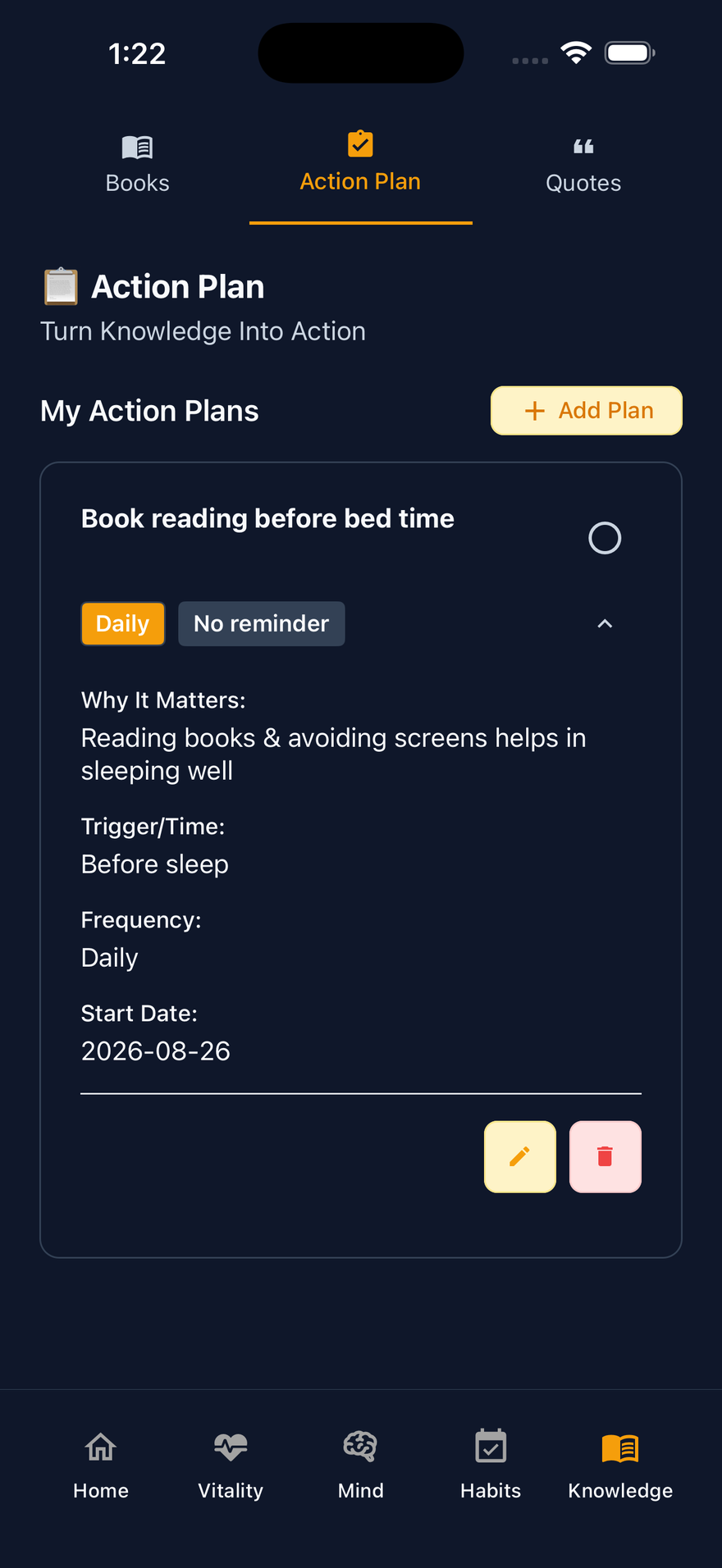
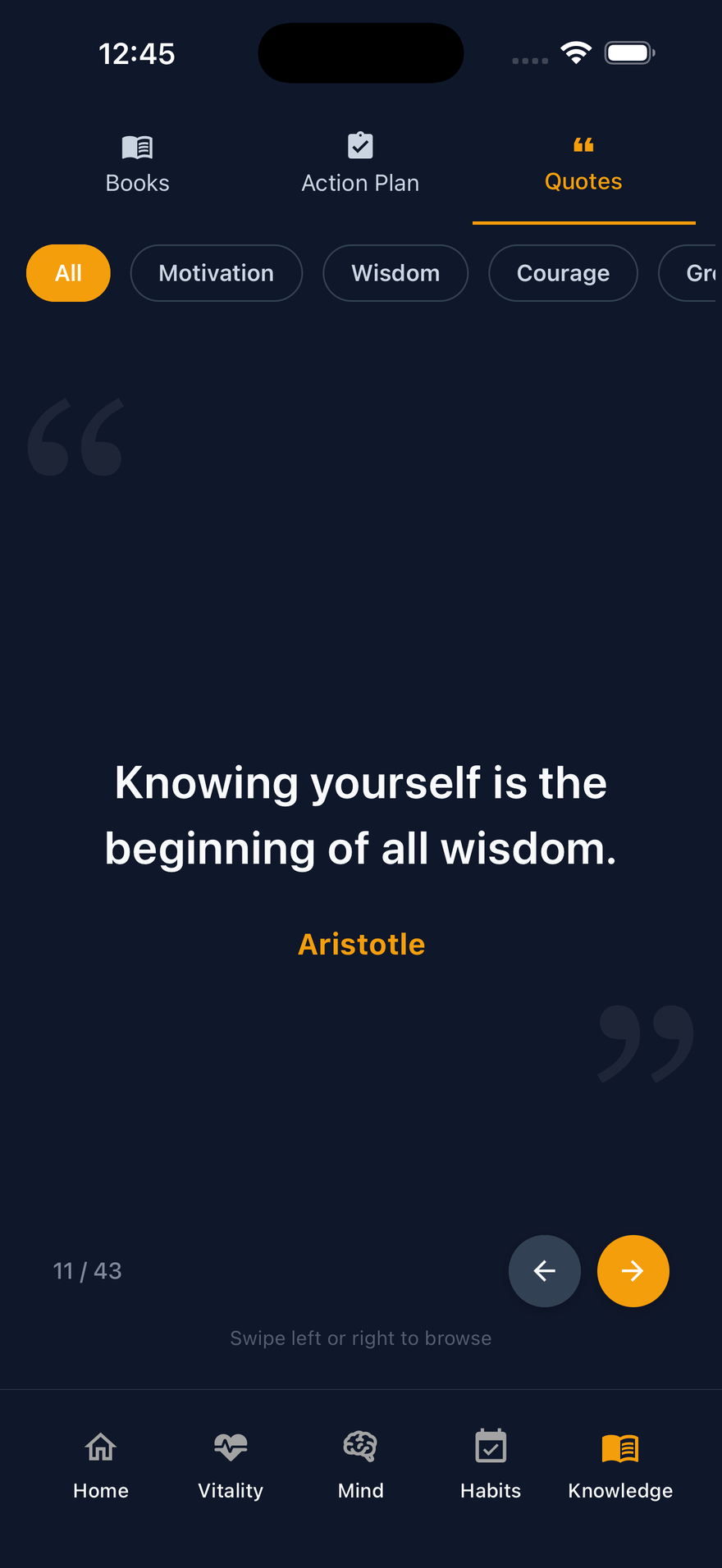
Book summaries, quizzes, and levels in LifeMaxing Knowledge
Learn, then level up Books, quizzes, and your progress

Swipe Home, then the four pillars

Self-improvement gets messy fast

Most apps track one slice and progress never adds up.

Too many apps

Fitness, wellness, productivity, and learning — each locked behind its own paid app.

No clear system

There’s no one daily plan — so effort stays scattered.

Progress is hard to see

Without one clear picture, motivation fades fast.

Features

Vitality, Mind, Habits & Knowledge

Core tools across four pillars — same structure as the app.

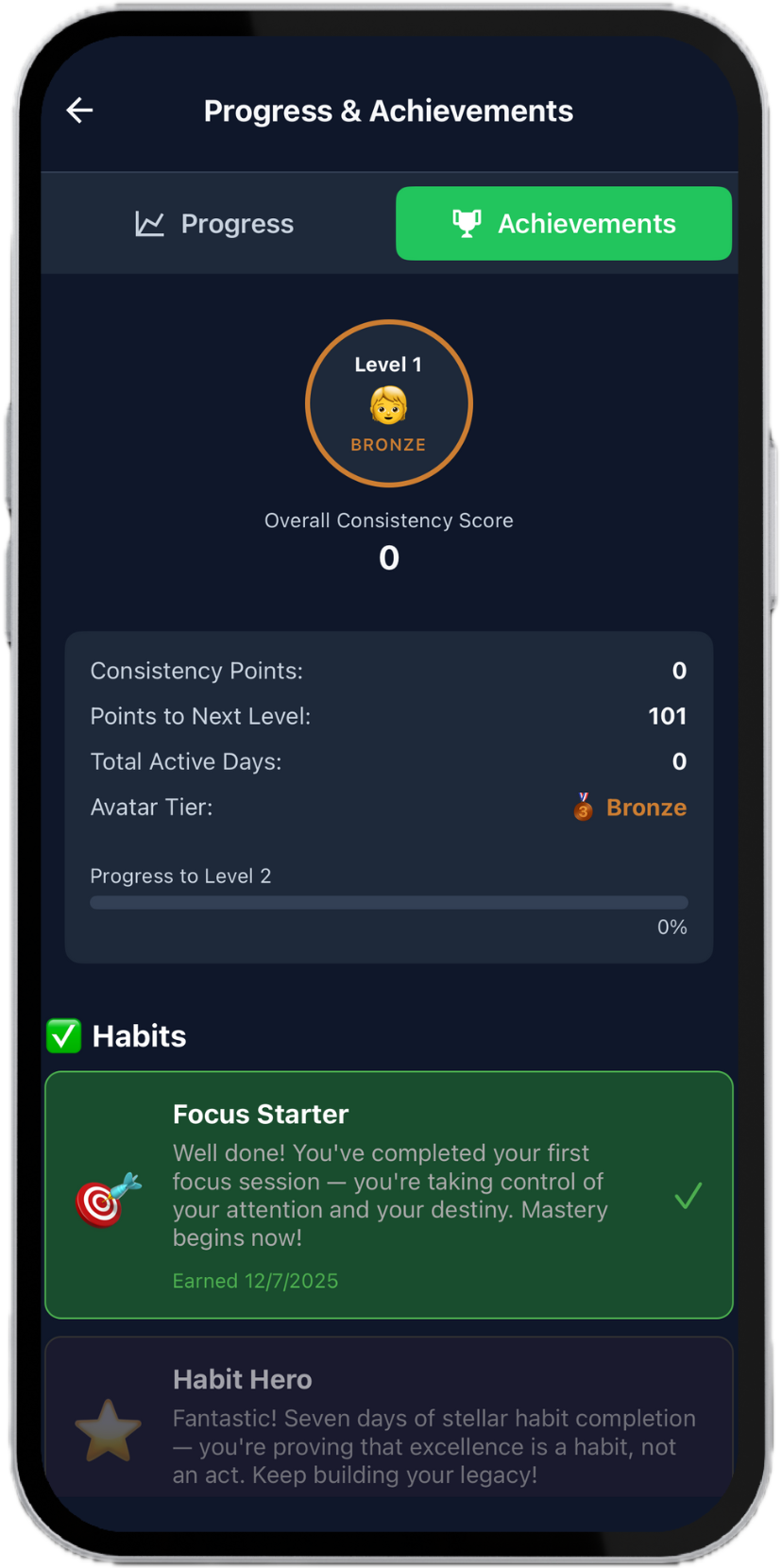
All four pillars Progress & Achievements Workouts, sleep, habits, and knowledge feed the same badges and levels — not a streak feature tucked under Habits.

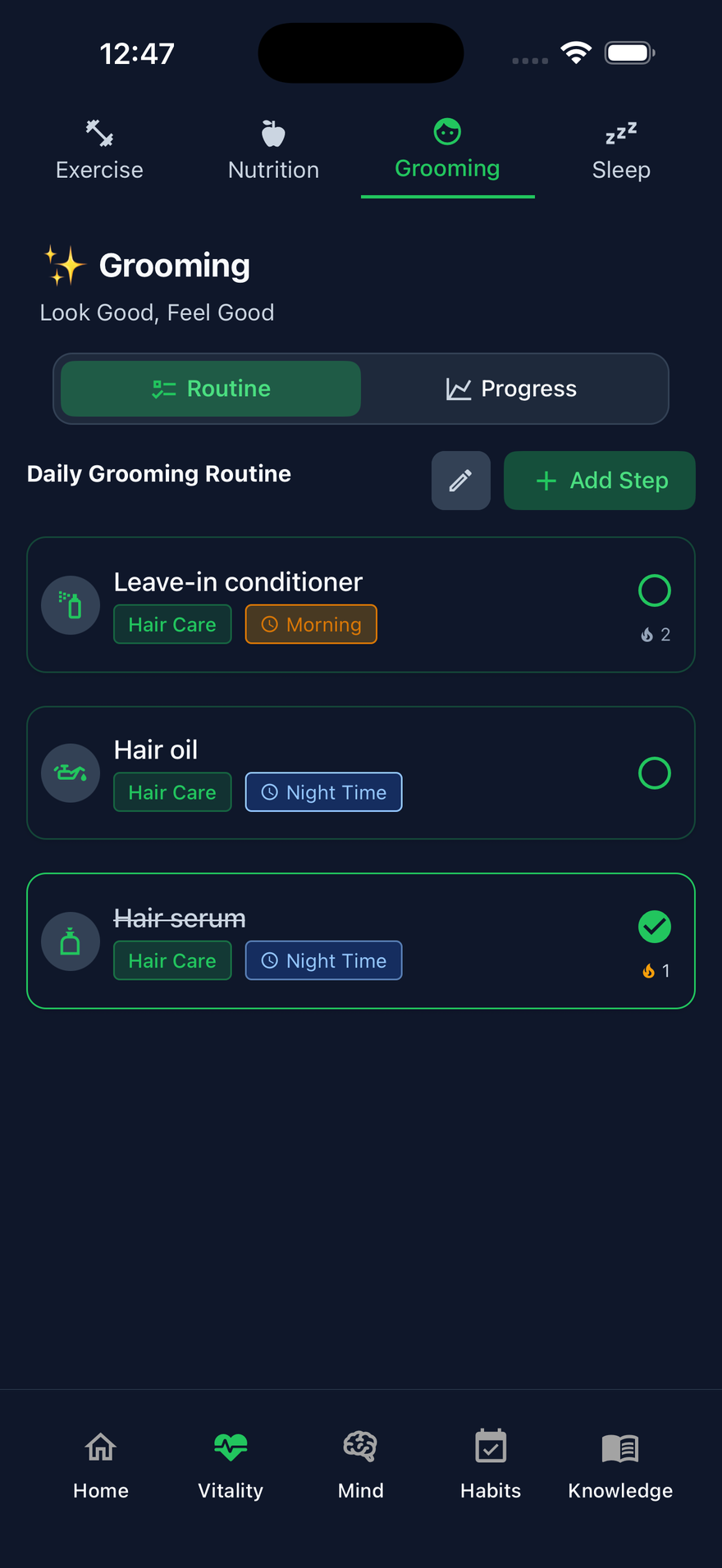
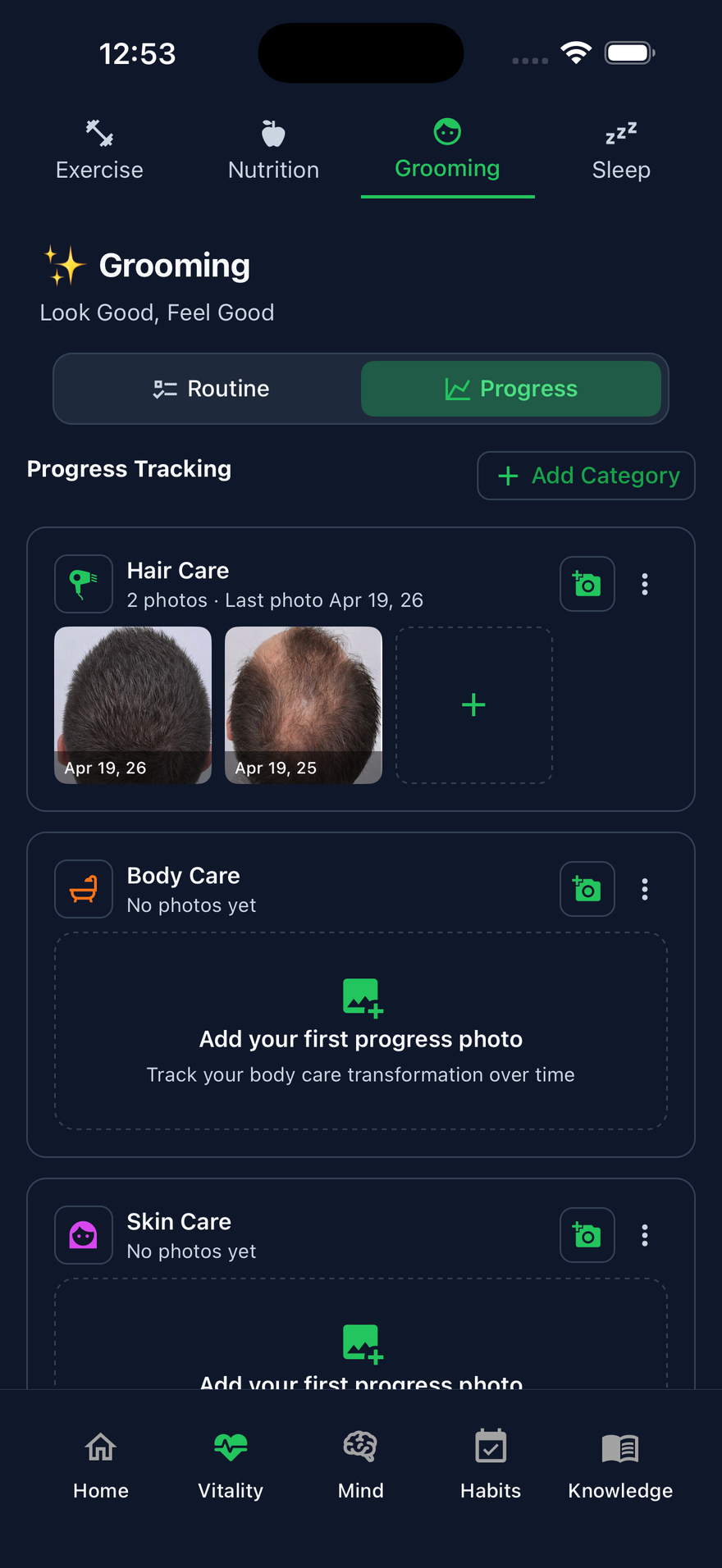
Select a tool to preview it, then tap See how it works. Hair, skin, and oral routines live on Grooming. Or see the all-in-one overview.

A day in the life

What one day with LifeMaxing looks like

Not a feature list — a real rhythm. You unlock achievements and level up as small wins across fitness, wellness, productivity, and knowledge stack up.

Morning → Midday

  1. 7:30 AM

    Wake up with intention

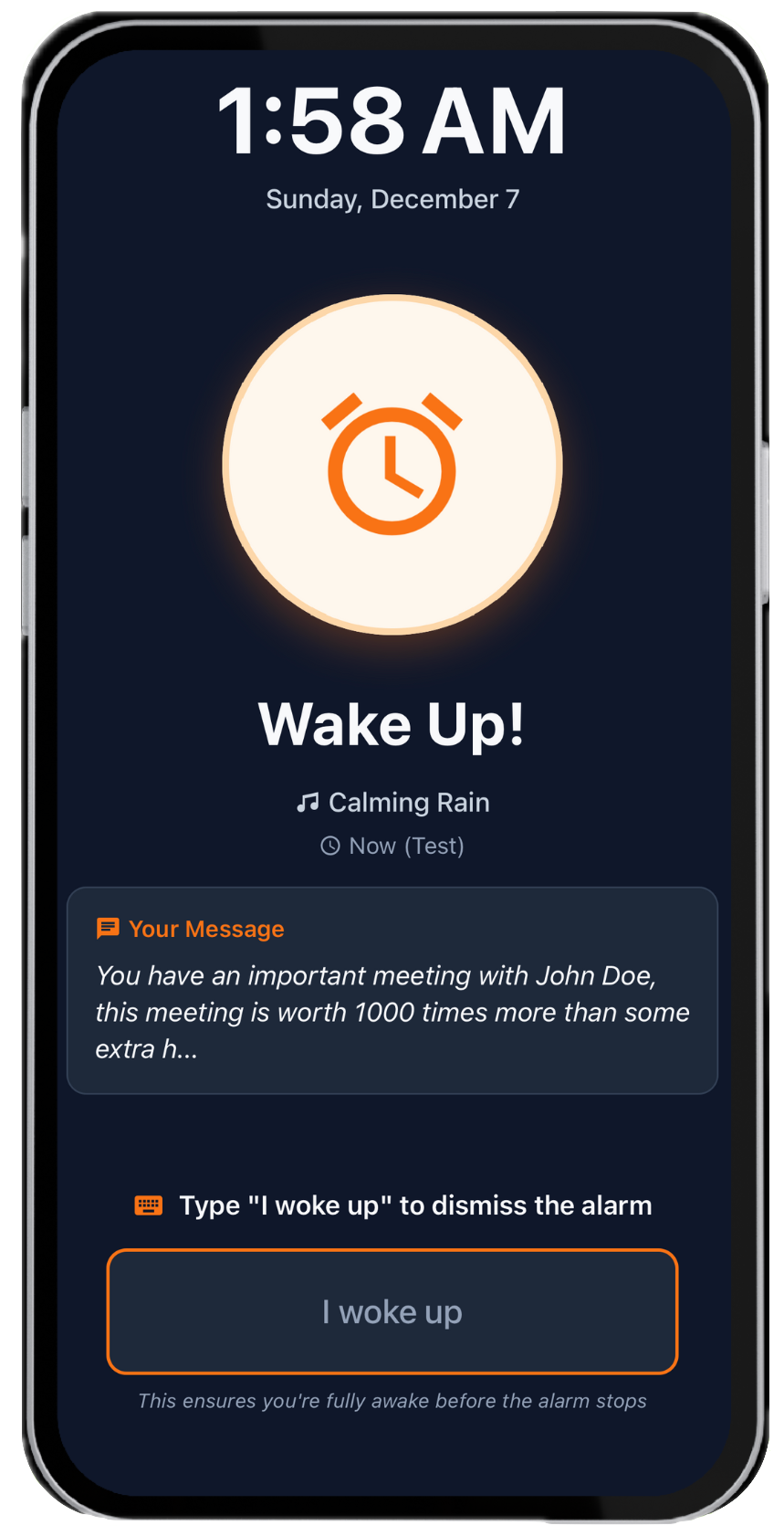
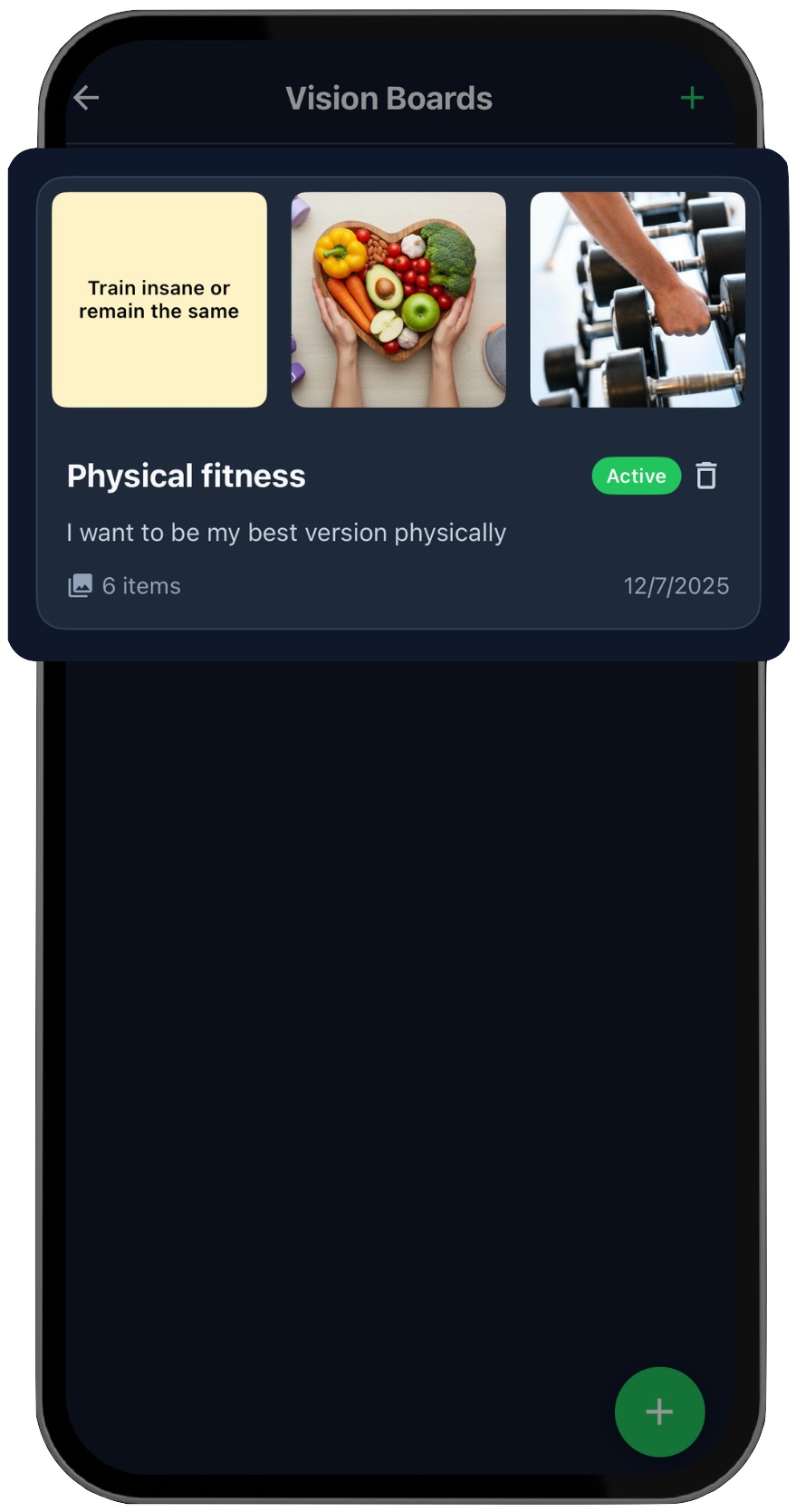
    Smart alarm, a short affirmation, then Vision Board and today’s habits — before you get out of bed.

    Sleep tracker · Stop snooze · Habits

  2. 8:00 AM

    Fuel the day right

    Check the diet plan, log breakfast. Calories and protein stay on track.

    Calorie tracker · Diet plans

  3. 10:00 AM

    Lock in deep work

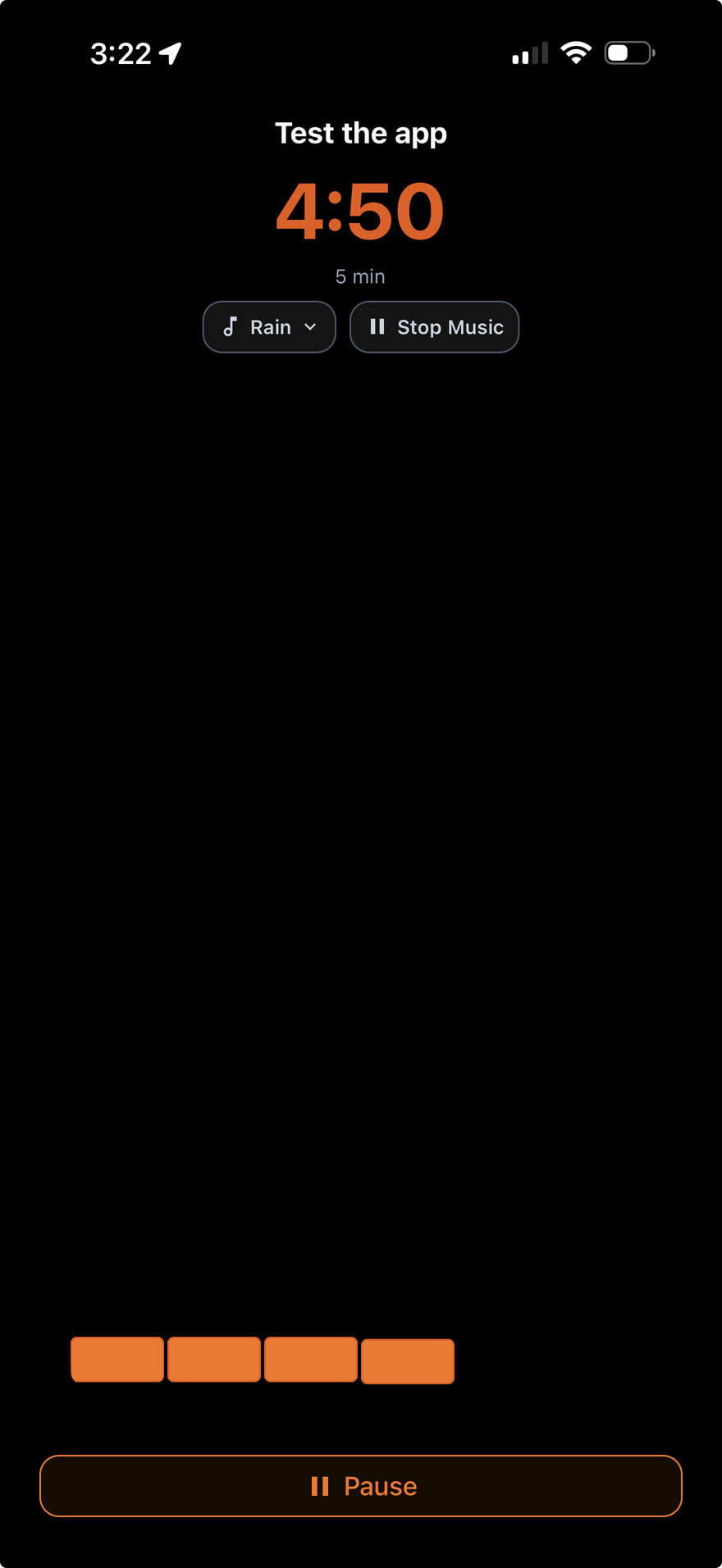
    A 90-minute focus session with ambient sound. Distracting apps stay blocked.

    Focus & deep work · Start a routine

Evening → Night

  1. 6:00 PM

    Move your body

    Follow the workout plan, log sets, reps, weight, and time. +120 MET points. Vitality ticks up.

    Workout plans · Splits explained

  2. 10:00 PM

    Reflect and wind down

    A quick journal, sleep schedule reviewed, tomorrow’s habits already queued.

    Better sleep · Habit tracker

  3. 11:00 PM

    Block distractions for restful sleep

    Sleep mode: apps blocked, blue light filter on, phone fades out for deeper rest.

    Sleep tracker · App blocking

Your progress
Lv 1 Lv 2
30 days of consistency
Vitality +12
Mind +8
Habits +15
Knowledge +6
Download free
FAQ

Frequently asked questions

Pricing, Android, and how LifeMaxing compares to apps you already know.

Is LifeMaxing free?

Yes. You can start free — no credit card required. Logging workouts, meals, habits, sleep, and journaling stays available on the free plan. LifeMaxing Pro is $4.99 a month and unlocks advanced tools like personalized AI diet and workout plans, unlimited AI credits, and full libraries.

Does LifeMaxing work on Android?

Yes. LifeMaxing is on Google Play for Android and on the App Store for iPhone. You get the same pillars on both: vitality, mind, habits, and knowledge. Download from the store button that matches your phone.

Is there a free habit tracker with workouts?

Yes — that is LifeMaxing. Most habit apps do not include workouts, and most fitness apps do not track habits. LifeMaxing lets you track habits, follow workout and diet plans, log sleep, and run focus sessions, starting free. You do not need a separate gym app and a separate streak app.

How is LifeMaxing better than other fitness, wellness & productivity apps?

Most apps track one slice of your life in isolation. LifeMaxing connects fitness, wellness, productivity, and knowledge, then your progress is where that work shows up — badges, levels, and today’s rings in one place. You stop switching between five apps whose data never adds up.

LifeMaxing vs MyFitnessPal and Cal AI — which should I use?

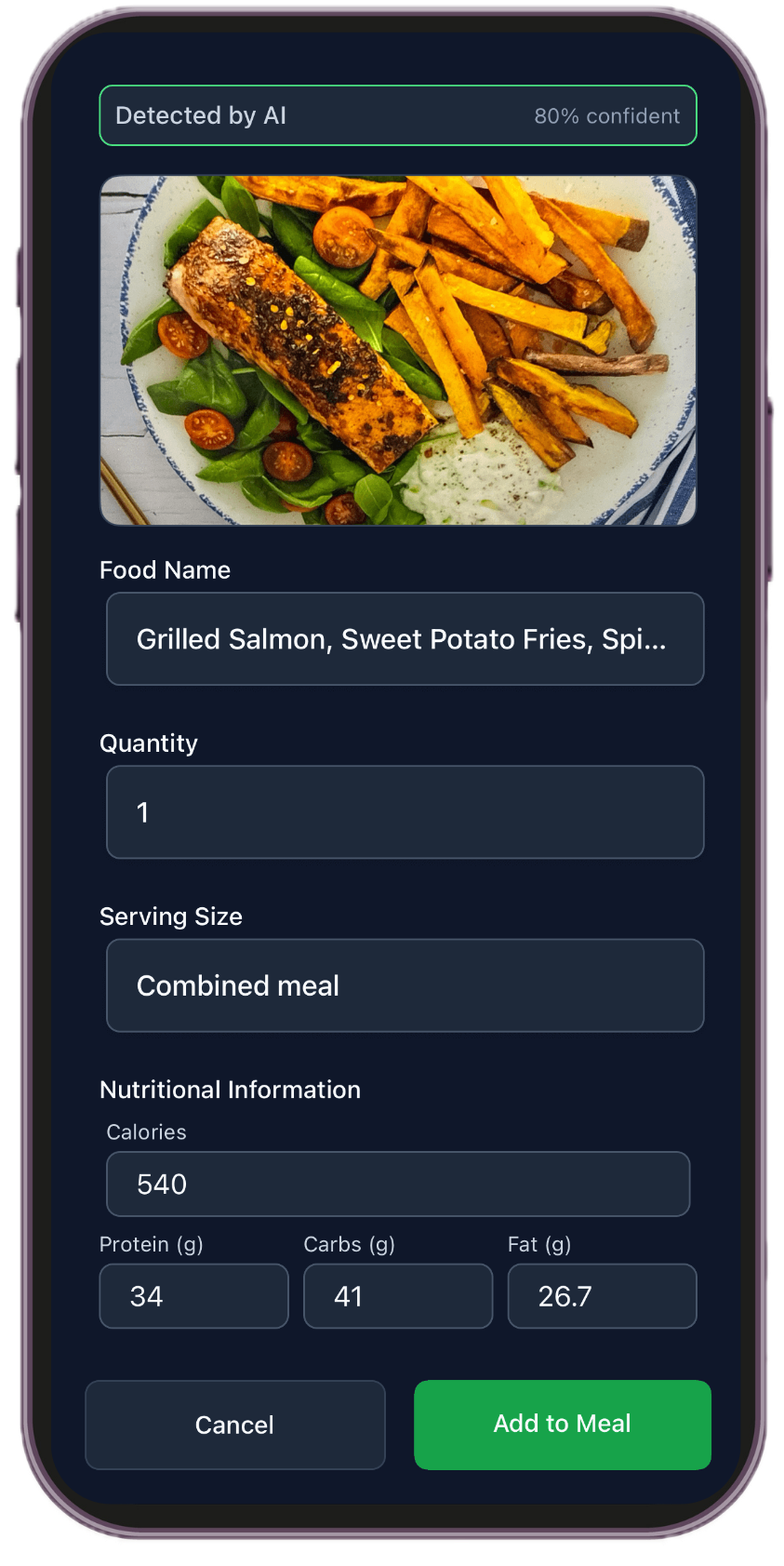
LifeMaxing is a specialist food logger — photo, barcode, and typing, with macros and a diet plan — then that log sits next to workouts, sleep, and habits in your progress. MyFitnessPal is food-database-first. Cal AI is photo-first. Both stay calorie-only.

If you would otherwise pay for a food app and a gym app, use LifeMaxing. Logging is free; Pro is $4.99 a month for the stack.

LifeMaxing vs Alarmy — which wake-up app is better?

LifeMaxing has a mission-style alarm (type a phrase or solve math to dismiss). Walk-to-dismiss is a Pro extra. After the alarm you get affirmations, your vision board, today's habits, and a sleep schedule that shows up in your progress. At night, sleep mode can block apps and cut blue light.

Alarmy is alarm-only. If waking up should start a better day — not just end snooze — stay in LifeMaxing.

How does LifeMaxing compare to Headspace, Habitica, Forest, Fitbod, Fabulous, and other popular apps?

Those apps are great at one slice. LifeMaxing covers those jobs together so progress finally adds up.

  • Headspace and Calm, plus Insight Timer, are for meditation. LifeMaxing includes guided meditation and breathing, plus affirmations and journaling in the same Mind pillar.
  • Habitica, Streaks, and Habitify are for habits. LifeMaxing tracks streaks and reminders, then ties them to workouts, sleep, and your progress.
  • Forest, Opal, and Freedom are for focus. LifeMaxing has deep-work sessions with app blocking, so focus time is part of the same daily system.
  • Fitbod, Strong, and Hevy are for lifting. LifeMaxing generates workout plans, logs sets and reps, and counts that training toward Vitality — next to your diet and sleep.
  • Fabulous is for routines. Sleep Cycle tracks sleep. LifeMaxing includes morning-to-night rhythm: alarm, habits, workouts, meals, wind-down, and sleep tracking in one place.

If you would otherwise pay for two or more of those apps, download LifeMaxing — specialized tools in each category, progress you can see, and one cheaper plan. Logging is free; Pro is $4.99 a month. A specialist only wins if one slice is genuinely the only thing you will ever track.

Do I need to use everything in the app?

No. You can select the areas you want to focus on and the app will get tailored to your goals. Start with habits, or only workouts and diet — you do not have to turn every feature on.

Will LifeMaxing create workout and diet plans?

Yes. LifeMaxing generates workout and diet plans based on your goals and preferences, and you can track workouts, log nutrition, and follow routines from there.

How does LifeMaxing use AI to help me level up?

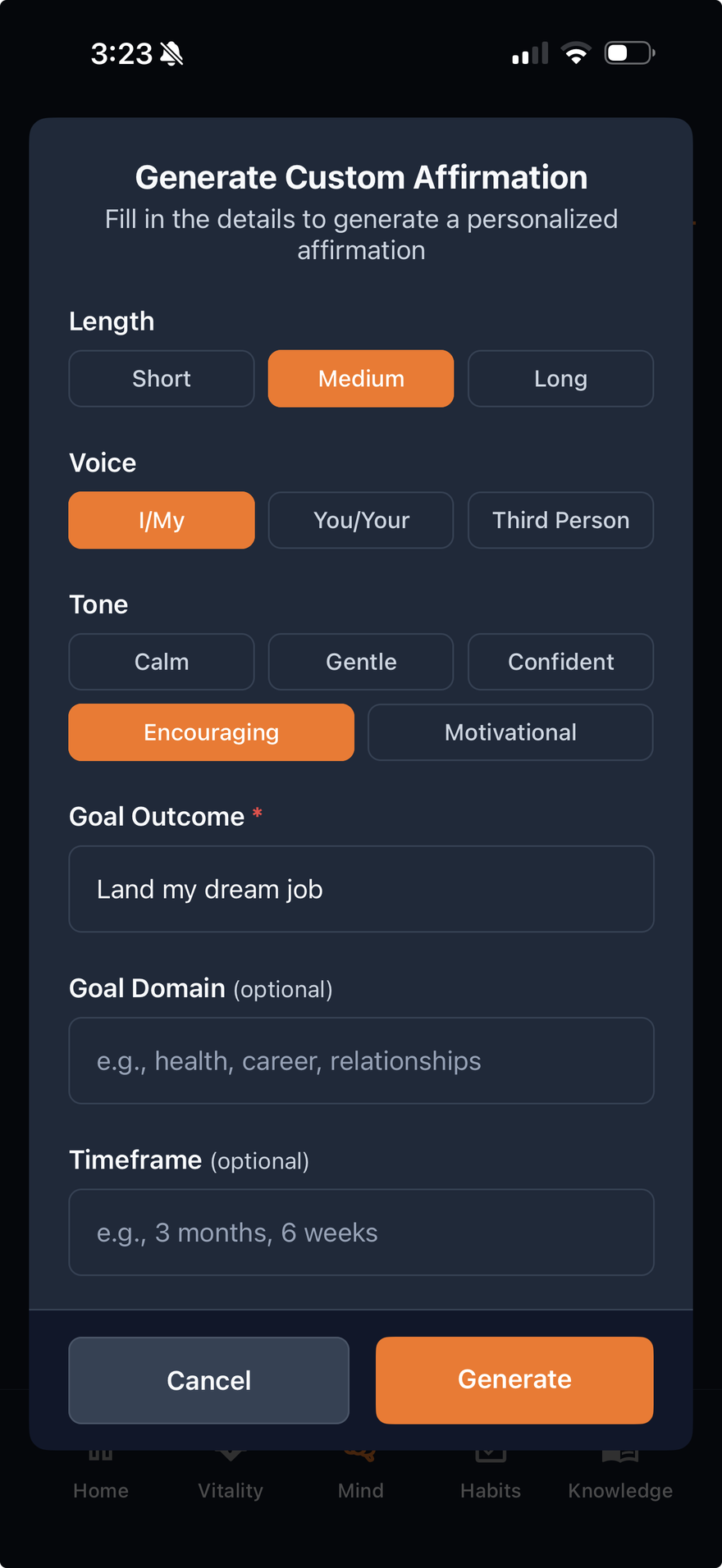
AI helps you build personalized diet and workout plans, track calories from a photo, generate recipes that fit your goals, and create tailored affirmations — so every part of the app works around you.

Is LifeMaxing for beginners?

Yes. It is designed to help beginners start small and build consistent progress over time. You can pick a few habits or a simple workout plan and level up as you get consistent.

Start free

Download LifeMaxing and begin leveling up today.

Free to start · No credit card · Start leveling up now

Free

Log workouts, meals, habits, sleep, and journaling. No credit card.

Pro · $4.99/mo

AI diet and workout plans, unlimited AI credits, and full libraries.

Scan with your phone