All-in-one self-improvement app
Fitness, wellness, productivity, and knowledge in one daily system — so a good week is visible in one place.
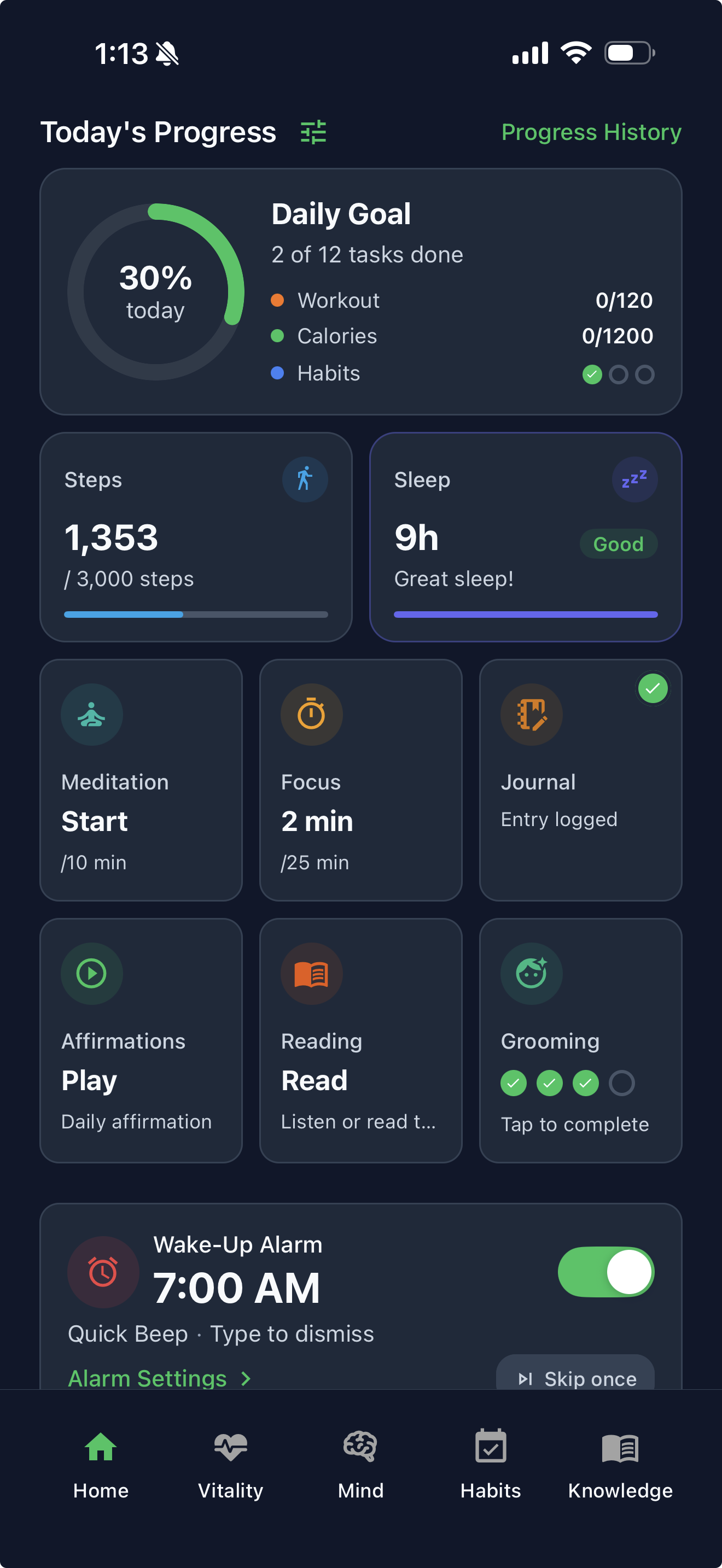
- Four pillars, one app Vitality, mind, habits, and knowledge. Use the features you want to work on.
- Progress you can see Habits, workouts, nutrition, sleep, and focus add up in one week.
- Free to start The app is free to use, no credit card needed. Pro is $4.99 a month for advanced analytics, higher AI credits, and other cool features.
What “all-in-one” means
LifeMaxing is an all-in-one self-improvement app for iPhone and Android. Fitness, wellness, productivity, and knowledge share one daily system, and the week shows up in Progress & Achievements. That week includes a workout plan and logged sets, a meal plan, calorie logging, a grocery list, pantry management, recipes, and water. It also includes sleep and a wake-up alarm, grooming, habits, deep work, meditation, affirmations, journaling, a vision board, and book summaries with quizzes, action plans, and quotes.
You select the features you want to work on. Start with a workout plan and calorie tracking, or with habits and sleep, and add grooming, meditation, or books when you want them in the same app. The app is free to use. Pro is $4.99 a month for advanced analytics, higher AI credits, and other extras.
This page walks through each part of that system. See how LifeMaxing covers habits, food, training, and mornings in one app, and the side-by-sides with the apps people usually keep separate.
One day, more than one pillar
A normal day does not stay inside a single category. The app is built for that overlap.
- Wake up. A mission-style alarm gets you up. Today’s habits and your vision board are already on screen.
- Train. Follow a workout plan and log sets, reps, and weight.
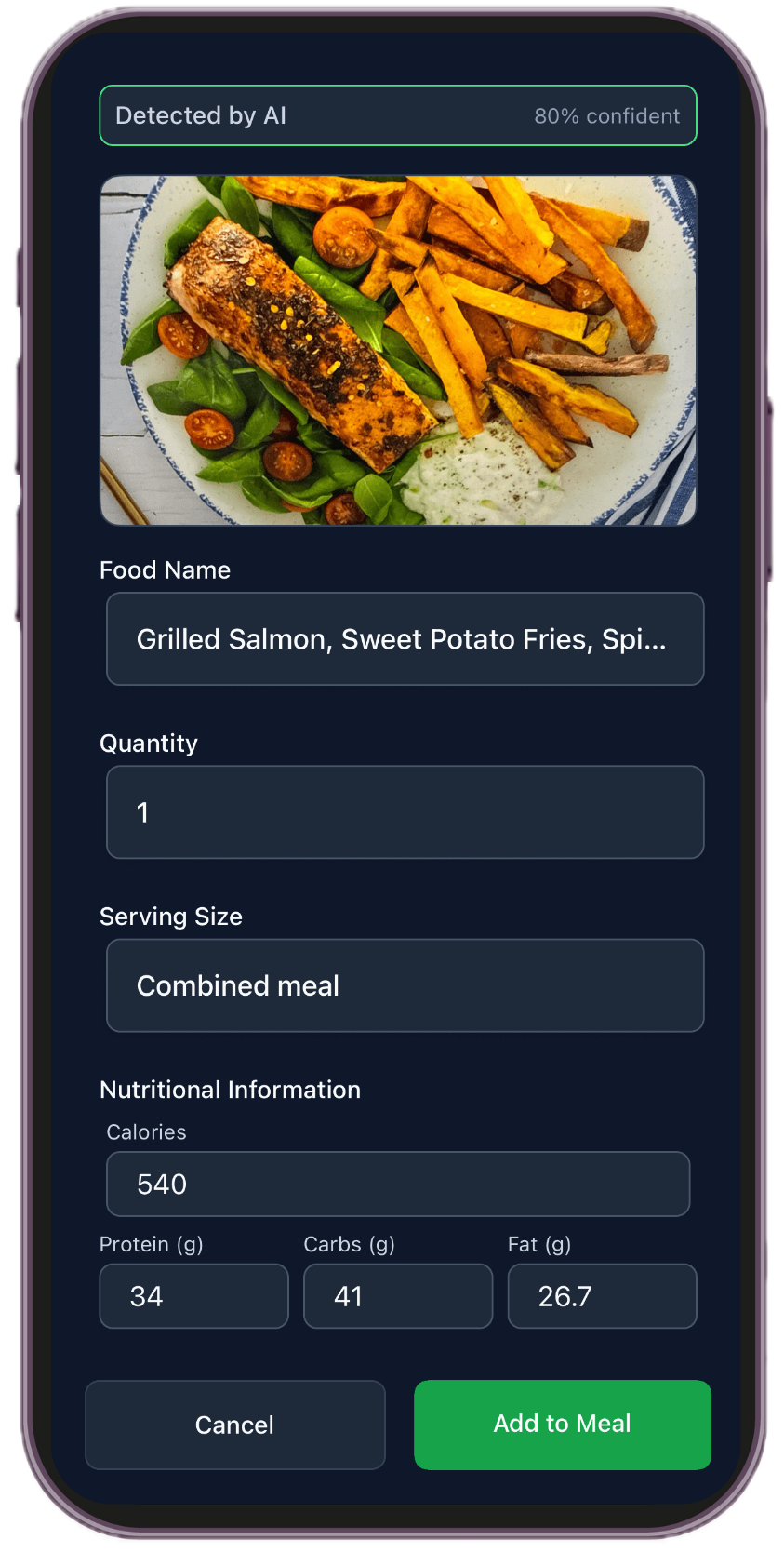
- Eat. Log the meal in the calorie tracker — photo, barcode, or typing — against the same day’s targets. Add water when you remember a glass.
- Work. Start a deep work session and block the apps that pull you out of it.
- Wind down. A short journal entry or a meditation, then sleep tracking for the night.
Each of those can stand alone. Together they feed one picture of the week.
Vitality
Vitality is training, food, sleep, and the routines that keep you looking after yourself. It is the body side of the app.
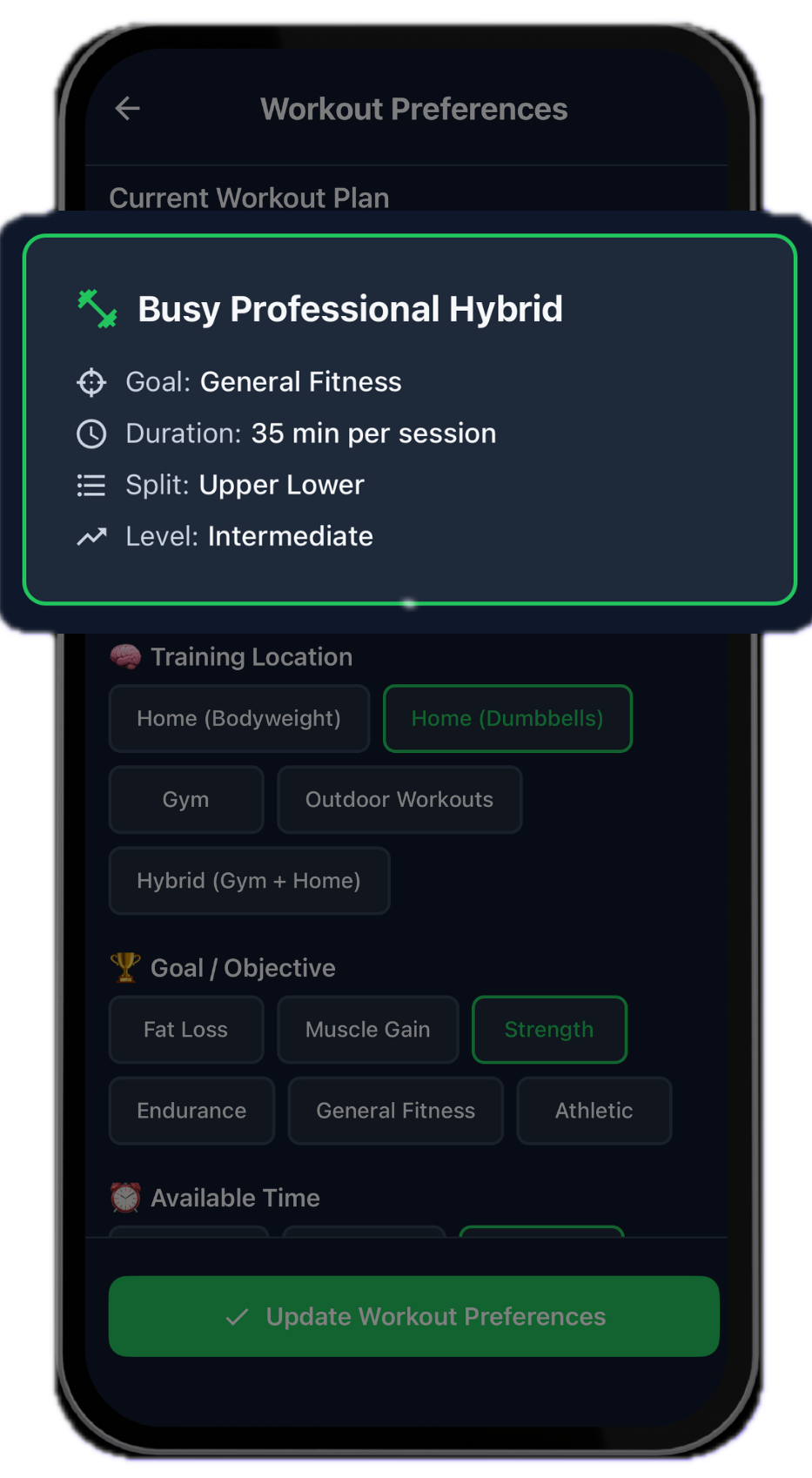
Workout and diet plans hold the program: sets, reps, weight, steps from Apple Health or Health Connect, weight tracking, and progress photos. The calorie tracker logs meals by photo, barcode, or typing, with macros, a grocery list, a pantry, and recipes. Water tracking sits next to that log.
Sleep stays in the same pillar. The sleep tracker includes a mission-style alarm — type a phrase or solve a math problem to dismiss — plus sleep sounds and bedtime protection. Walk-to-dismiss is a Pro extra. Grooming is hair, skin, body, and oral routines with reminders, check-ins, and progress photos that count toward Vitality.
Mind
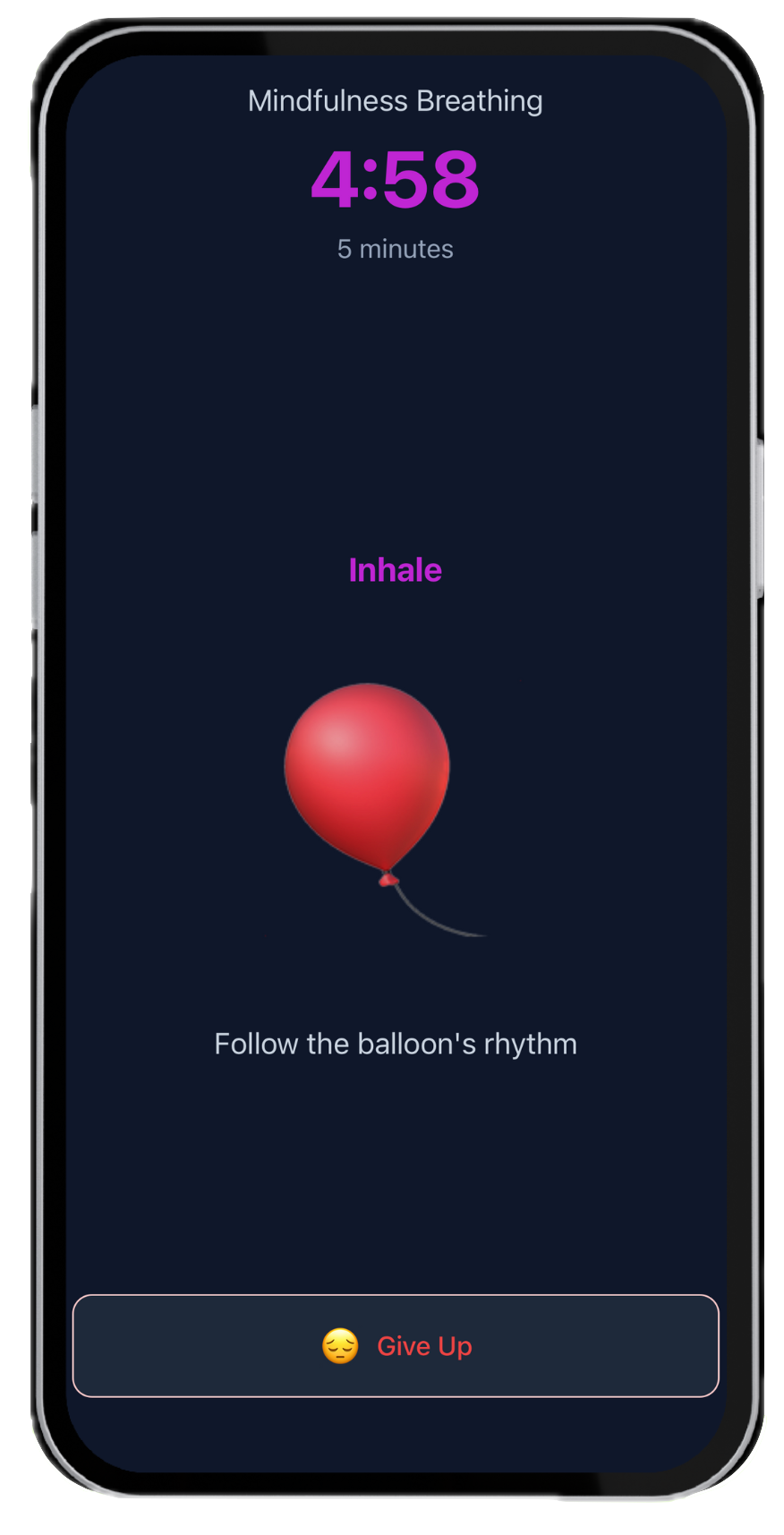
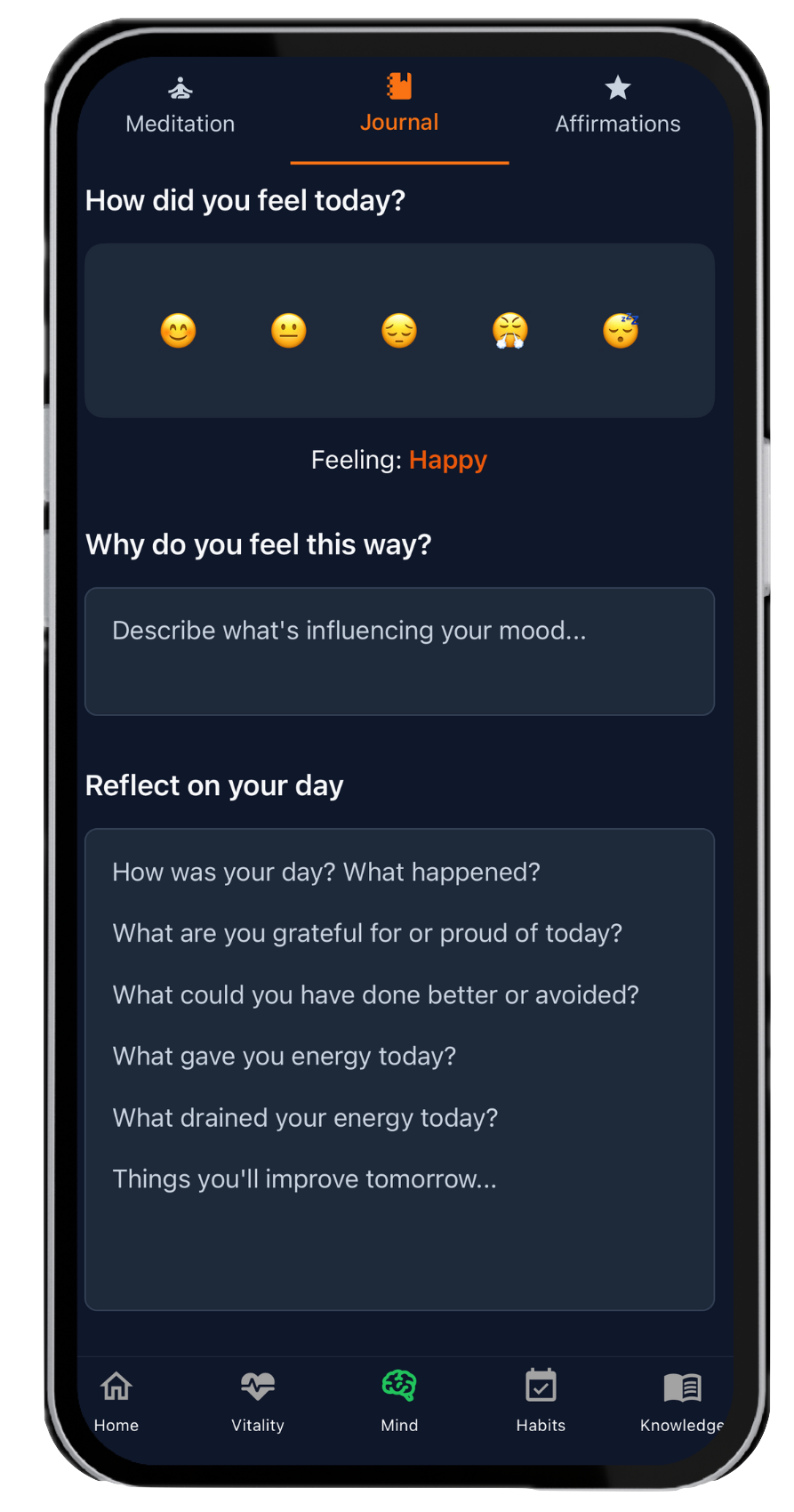
Mind is the short reset: a sit, a line you repeat, a page you write, and a picture of where you are headed.
Meditation is guided sessions and breathing practices. Affirmations can be played or generated for the day. Journaling holds gratitude and reflection, and it stays on the free plan. The vision board keeps a goal on screen and on a home-screen widget, so it is in front of you before the day starts.
Habits
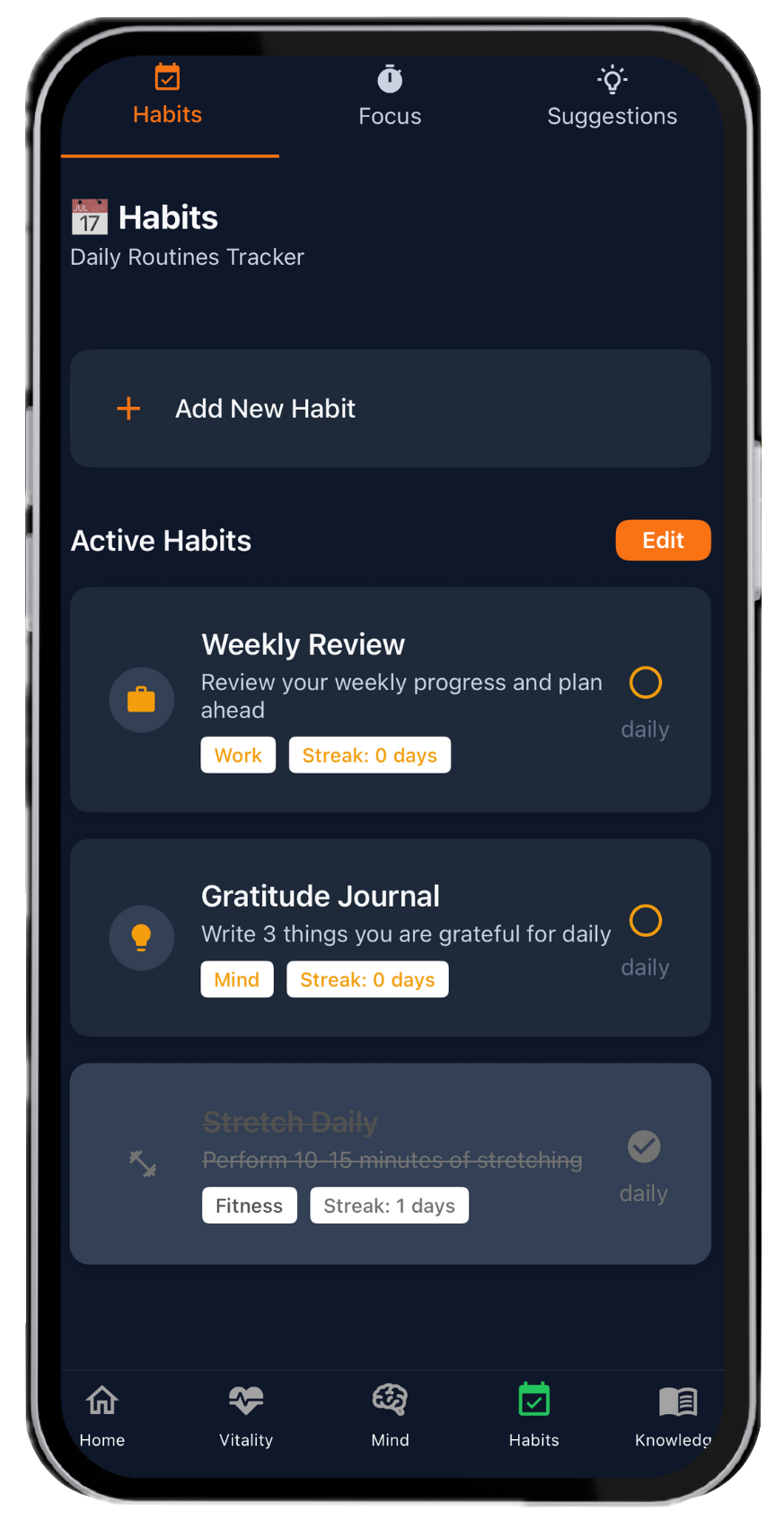
Habits are the layer that makes the other pillars repeat. A morning walk, a logged workout, and a wind-down can share one list, with reminders and categories so it stays readable.
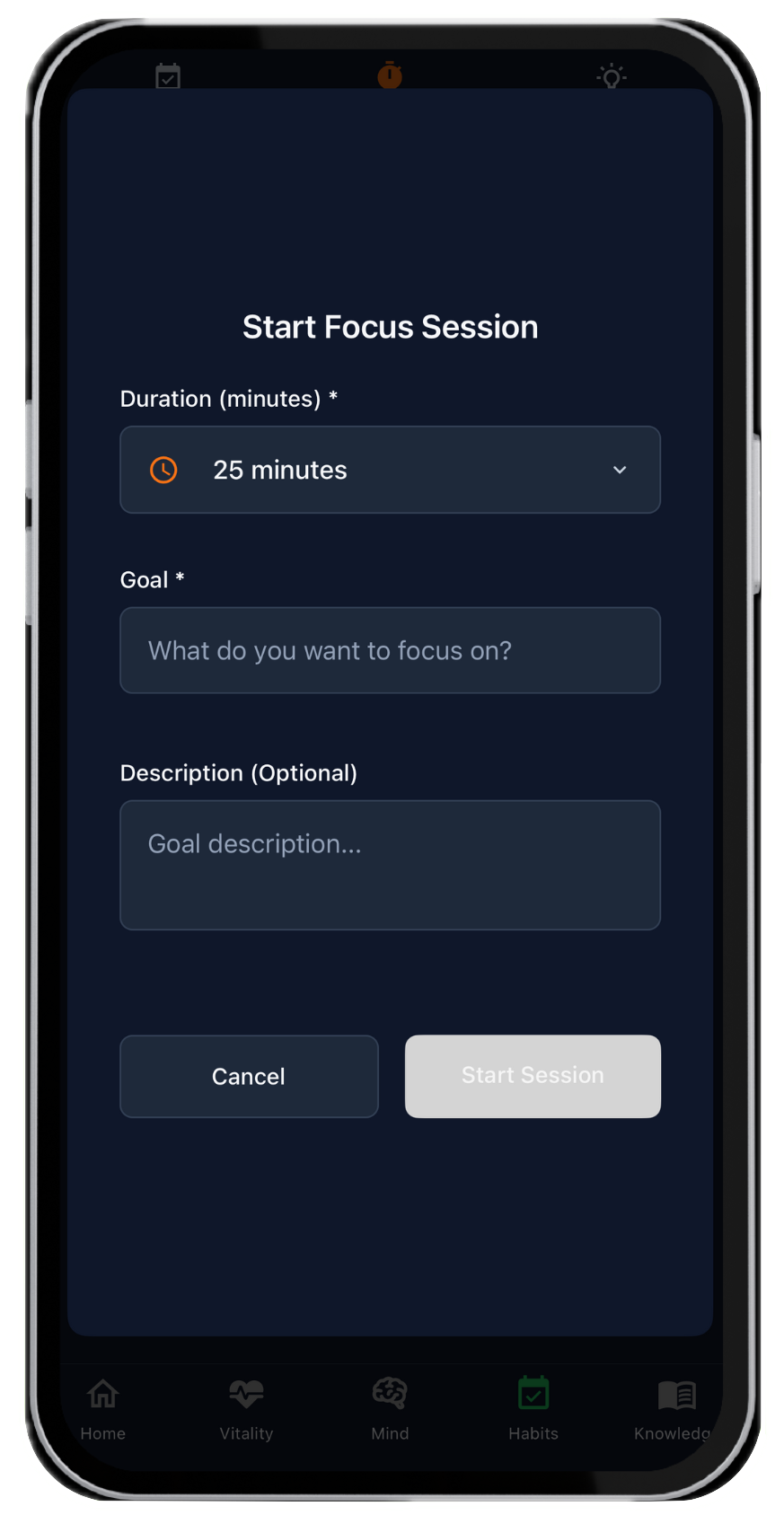
The habit tracker is streaks and reminders. Suggestions offer routine ideas when a blank list is the last thing you need. Deep work is a focus session with app blocking, so protected time counts with the rest of the day. Home screen widgets show daily progress, calories, and the vision board without opening the app.
Knowledge
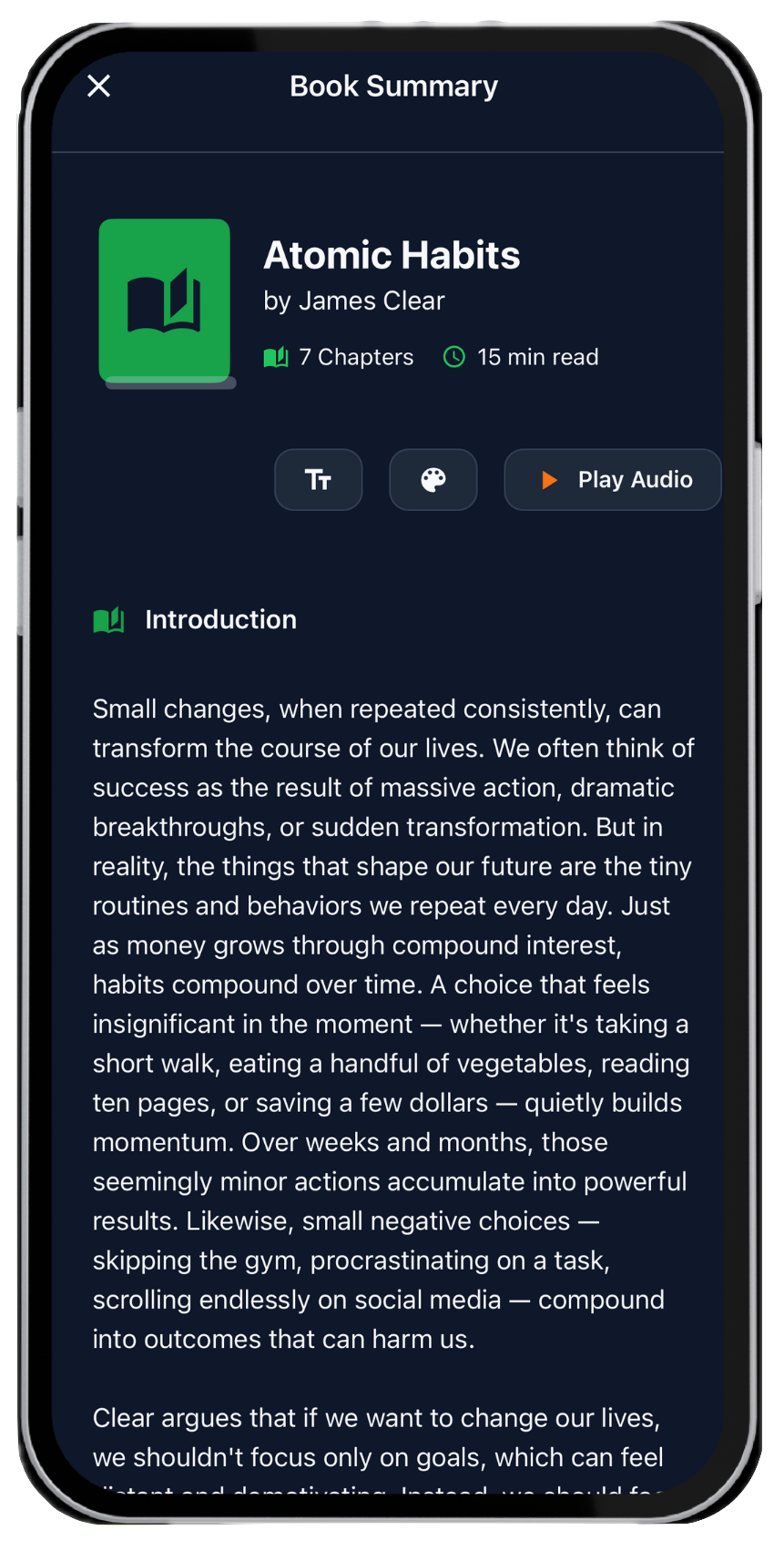
Knowledge is how a book becomes something you do this week. Book summaries can be read or listened to. Quizzes check a chapter so the summary stays with you. Action plans turn a point from the book into steps you can check off, next to the habits that use them. Quotes are a daily line you can save.
The full book library is part of Pro. Summaries, quizzes, action plans, and quotes live on the Knowledge tab, beside the training and habits they are meant to support.

How progress ties the pillars together
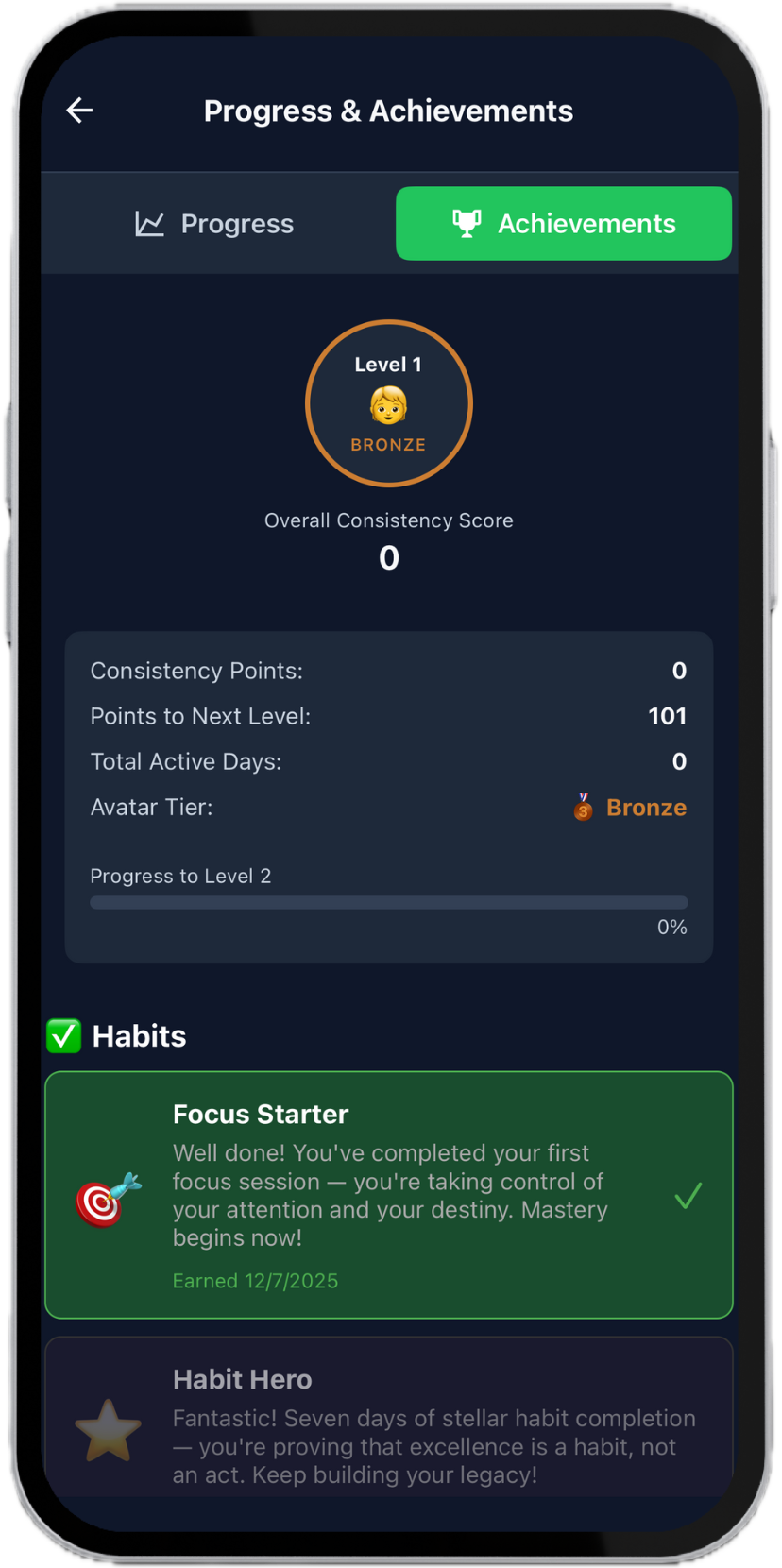
Progress & Achievements is where the pillars meet. Badges, levels, and today’s goals reflect workouts, habits, sleep, nutrition, and focus in one place. You can see whether the week held together without opening a gym app, a food app, and a habit app and trying to reconcile them.
Widgets carry a slice of that onto the home screen: daily progress, calories, and the vision board. Open the app when you want the rest.
Who it is for
- Weight loss and muscle gain, when food, training, and sleep should share a plan
- Morning routines that start with an alarm and continue into habits, a workout, or a meal
- Busy professionals replacing a row of wellness apps
- Deep work, learning, consistent sleep, less stress, better energy, a vision you look at, and looking your best
The app comparisons show LifeMaxing covering each of those jobs in the same app. What is LifeMaxing? is the shorter definition, with pricing.
Free and Pro
- Free. The app is free to use. No credit card. Setup takes about two minutes on iPhone and Android.
- Pro, $4.99 a month. Advanced analytics, higher AI credits, a meal quality score, multi-angle food photos, a walk-to-dismiss alarm, and the full book library.
LifeMaxing is a wellness tool, not medical care. Talk to a professional for medical or dietary advice.
FAQ
What is an all-in-one self-improvement app?
An all-in-one self-improvement app keeps habits, training, food, sleep, focus, and learning in one daily system. LifeMaxing does that across four pillars — Vitality, Mind, Habits, and Knowledge — so a workout, a meal, a night of sleep, and a focus block update the same week.
What does LifeMaxing include?
Vitality covers workouts, diet plans, calorie and water tracking, sleep, a mission-style alarm, and grooming. Mind covers meditation, affirmations, journaling, and a vision board. Habits covers streaks, reminders, suggestions, deep work, and home-screen widgets. Knowledge covers book summaries, quizzes, action plans, and quotes. Progress & Achievements ties them together with badges and levels.
Do I have to turn every feature on?
No. Select the features you want to work on. Start with habits, or with a workout plan and calorie tracking, and add the rest when you want them.
What is free in LifeMaxing?
The app is free to use. No credit card. Pro is $4.99 a month for advanced analytics, higher AI credits, a meal quality score, multi-angle food photos, a walk-to-dismiss alarm, and the full book library.
Does LifeMaxing work on iPhone and Android?
Yes. The same four pillars are on the App Store for iPhone and on Google Play for Android.