LifeMaxing vs Cal AI: which calorie app should you use?

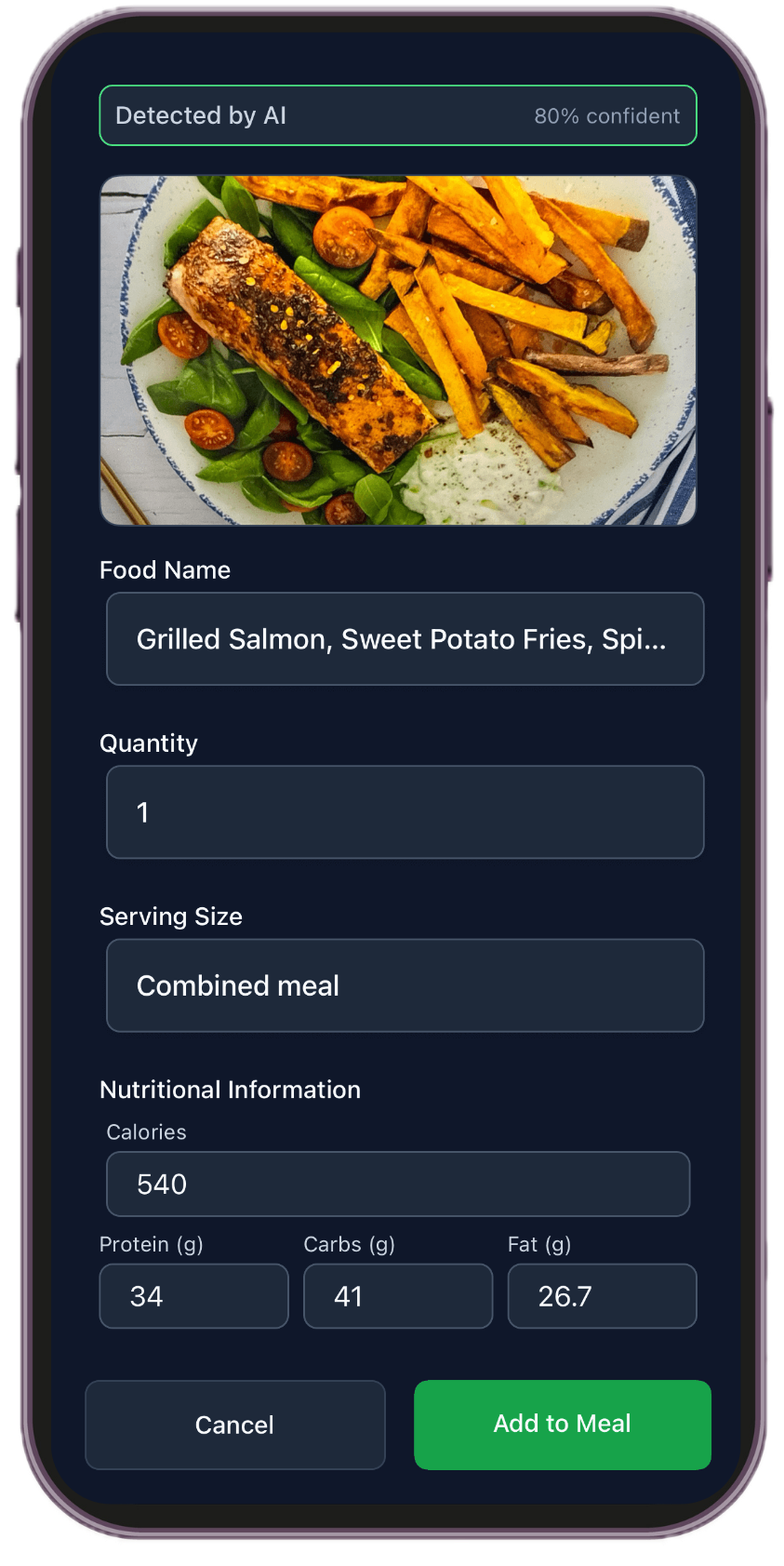
Cal AI popularized snapping a photo to log calories. LifeMaxing does photo logging too — then connects food to workouts, habits, and sleep in one app.
What Cal AI is built for
Cal AI focuses on fast calorie estimates from meal photos. If you want the shortest path from plate to number, it does one job well.
It is not trying to plan your gym week, track streaks, or score how sleep and focus affect your goals.
What LifeMaxing adds
LifeMaxing’s calorie tracker supports photo, barcode, and manual entry with macros and a diet plan — alongside:
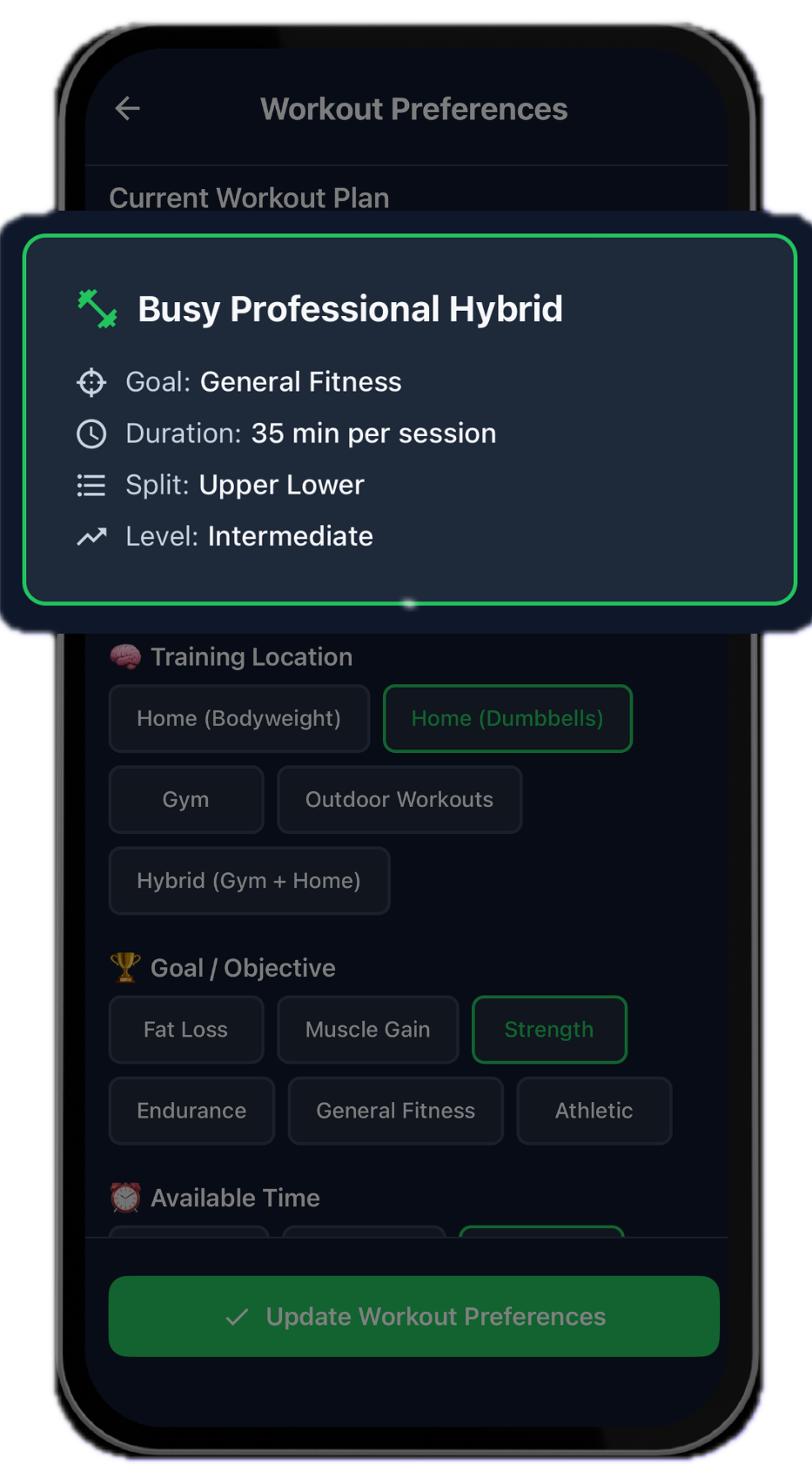
- Personalized workout and diet plans
- Strength and cardio logging with history
- A habit tracker for daily repeats
- Sleep tracking and a mission-style alarm
- Deep work sessions
- Progress across pillars
Side-by-side
| Feature | LifeMaxing | Cal AI |
|---|---|---|
| Photo logging | Photo, barcode, and typed entries | Photo-first calorie estimates |
| Training | Full workout plans you log | Nutrition-first; not a gym program |
| Beyond food | Habits, sleep, focus, and your progress | Stops at calories |
| Goal context | Meals tied to fat loss or muscle-gain plans | Daily totals without a full daily system |
Choose Cal AI if…
You only want photo-based calorie logging and nothing else.
Choose LifeMaxing if…
You like photo logging but also train, track habits, and want one score for the week. Read how to track calories from photos and LifeMaxing vs MyFitnessPal.
See all comparisons on the app comparisons hub or read the best all-in-one habit and fitness app guide.
Try one app for habits and training
LifeMaxing tracks habits, workouts, meals, sleep, and focus in one app. Start free.
Get the app