LifeMaxing vs Forest: which focus app should you use?

Forest (and Opal or Freedom) protect attention as a game or a blocklist. LifeMaxing blocks apps during deep work — then counts that focus toward the same progress as sleep and workouts.
What Forest is built for
Forest grows a tree while you stay off your phone. It is motivating, visual, and excellent if you only need a timer with guilt. Opal and Freedom go further on blocking other apps across devices.
None of them know whether you slept, trained, or kept the habit that made the focus block possible. Focus stays a separate forest.
What LifeMaxing adds
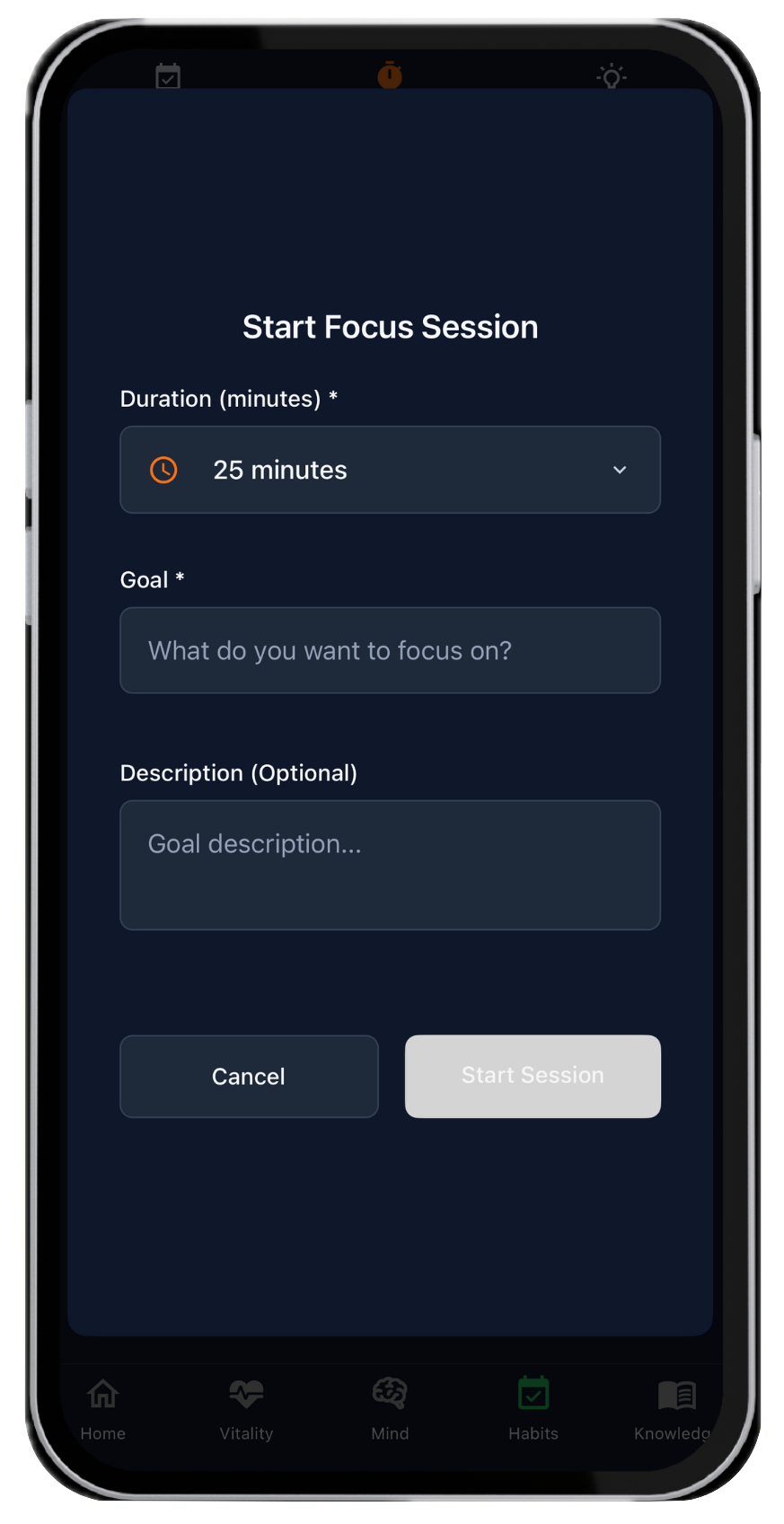
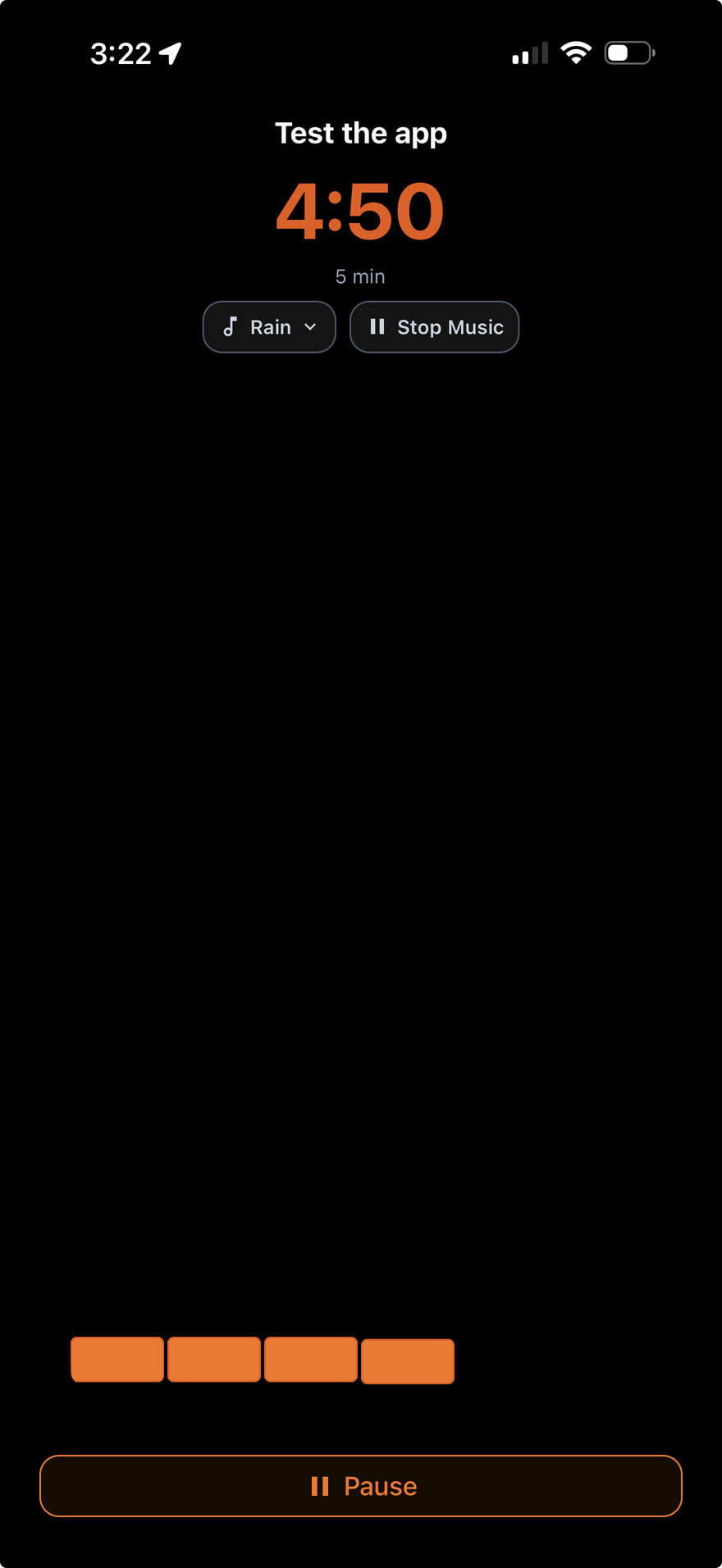
Deep work in LifeMaxing includes timed sessions and app blocking, plus:
- Focus sitting in the Habits pillar next to streaks
- Sleep and a morning alarm so the block has a real start
- Workouts and meals in the same daily system
- A progress screen so a focused week is visible, not just a grove of trees
Side-by-side
| Feature | LifeMaxing | Forest |
|---|---|---|
| Focus mechanic | Timed deep work with app blocking | Grow a tree by staying off the phone |
| Blocking | App blocking during sessions | Timer-first; Opal/Freedom go deeper on blocks |
| Tied to the rest of the day | Habits, sleep, training, and your progress | Focus is isolated |
| Best for | Focus as part of a daily system | A delightful focus game |
Choose Forest (or Opal) if…
You only want a focus timer or a hard blocklist, and body/habits live in other apps.
Choose LifeMaxing if…
A focus block should count toward the same week as gym, sleep, and habits. Read how to start a deep work routine and LifeMaxing for busy professionals.
See all comparisons on the app comparisons hub or read the best all-in-one habit and fitness app guide.
Try one app for habits and training
LifeMaxing tracks habits, workouts, meals, sleep, and focus in one app. Start free.
Get the app