Finish the book. Then run the plan.
Unread piles do not change a week. LifeMaxing puts summaries, quizzes, and action plans next to the habits and focus blocks that turn a chapter into something you did.

Reading is not the habit
You highlight Atomic Habits on the train. The notes live in another app. The “I should start walking” insight never becomes a streak. Knowledge without a next step is entertainment.
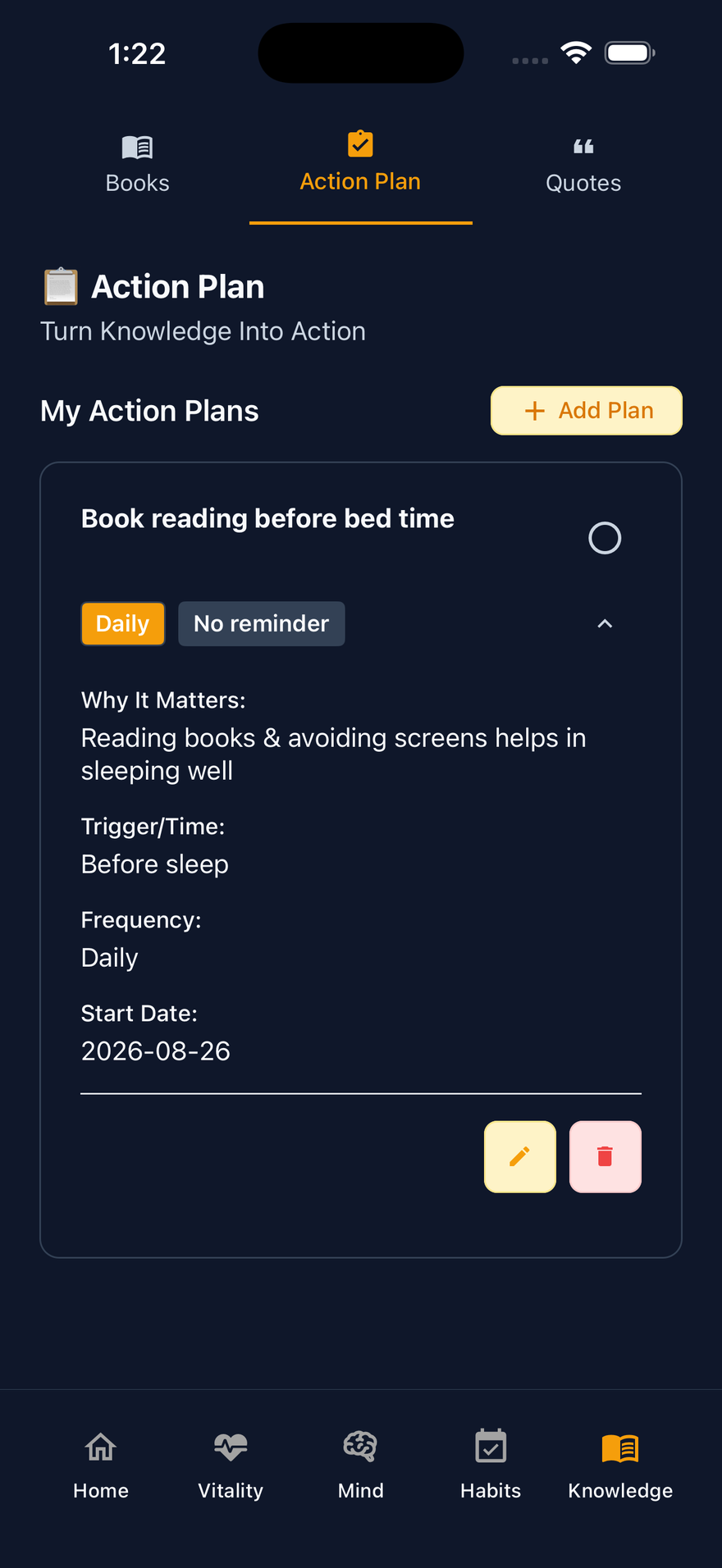
LifeMaxing keeps Knowledge in the same system as the day: read or listen, quiz the chapter, attach an action plan, then protect a focus block and check the habit.
What you run in the app
- Books — summaries you can read or listen to
- Quizzes so a chapter is not just a vibe
- Action plans that become tracked steps
- Habits for the repeats the book asked for
- Deep work to actually do the work the book described
A simple learning loop
- Pick one book. Finish one chapter this week — not five
- Take the quiz. If you skip it, you did not keep it
- Turn one insight into one habit or one action-plan step
- Run a focus block to do the step, not to “learn more”
- See LifeMaxing for deep work if the missing piece is protected time
Free vs Pro
Free logging still lets you run habits and focus. Pro unlocks the full book library and advanced plans. If you only wanted a nicer Kindle, stay in Kindle. If the book should change Tuesday, use LifeMaxing.
Start free on iPhone and Android
No credit card. LifeMaxing Pro is $4.99/month for advanced AI plans.
Get the app