Protect 90 minutes — then let the rest of the day count
Forest times a session. LifeMaxing puts the session next to sleep, habits, and a short reset so focus is part of the day, not a private statistic in another icon.
Why a focus app is not a focus system
A timer that lives alone does not know if you slept. It does not count as a habit. It does not follow a five-minute reset. You close Forest, open a habit app, and the session never joins the rest of the week.
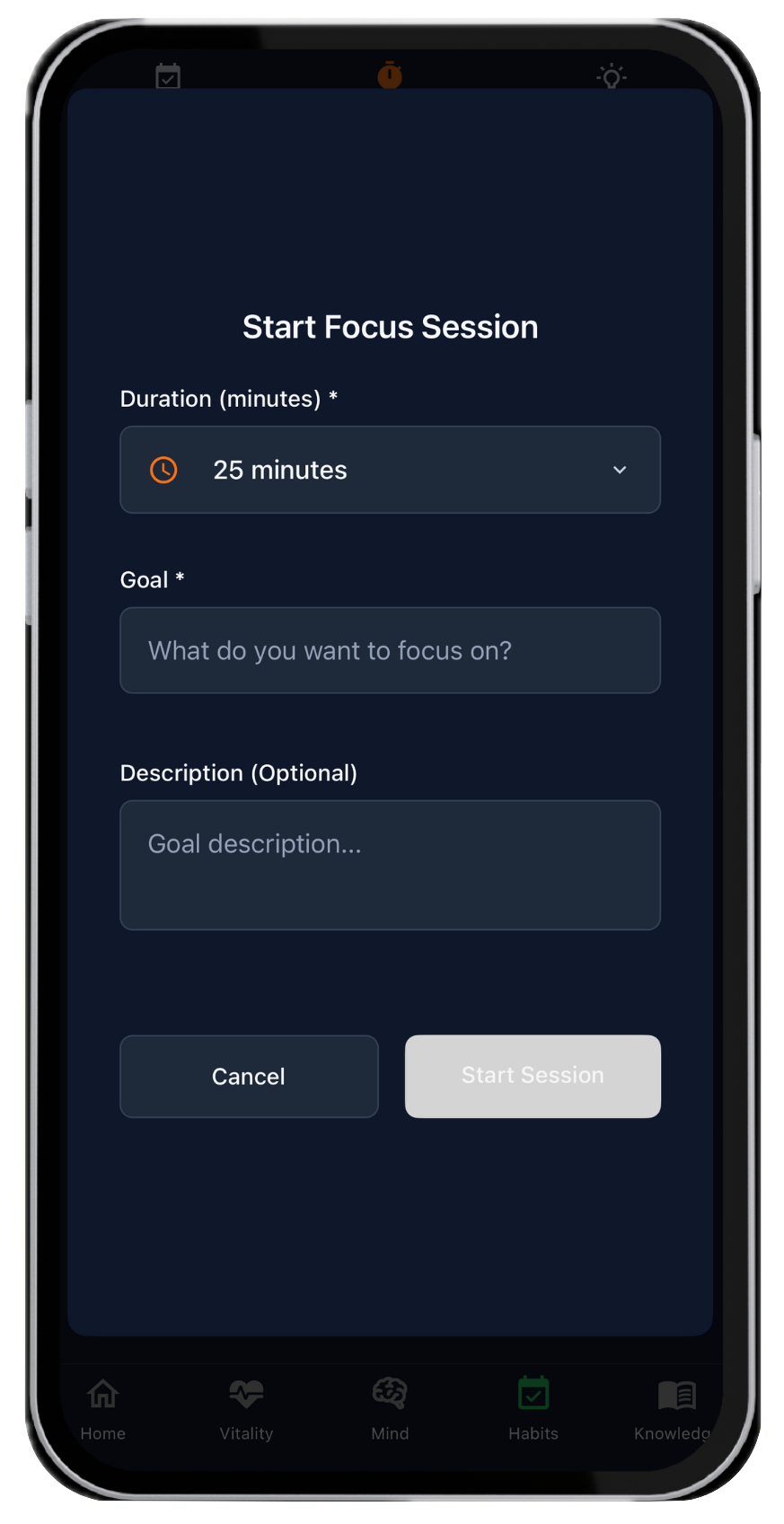
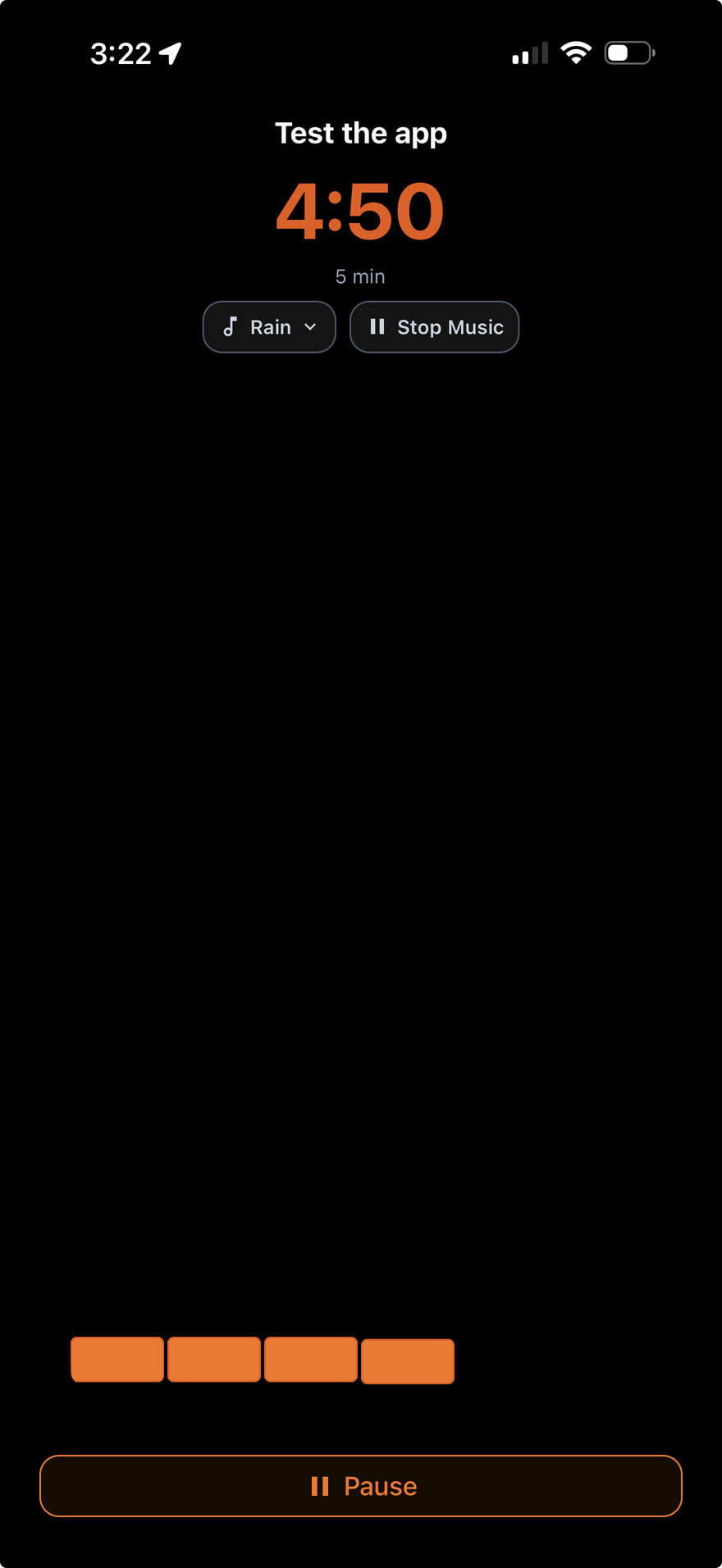
LifeMaxing runs the block in the same daily system: lock the phone, do the work, and the session sits with sleep and habits — the same score as the gym and the morning.
What you run in the app
- Deep work timer with app blocking and optional ambient sound
- A short meditation or breathing reset before the block
- Sleep tracking so the session is not built on four hours
- Habits for “one focus block” instead of a guilt list
- Today’s progress so a good workday is visible next to training and meals
A simple deep-work loop
- Protect sleep the night before — the block is cheaper than caffeine
- Two minutes of breathing or a short meditation
- Start 50–90 minutes of deep work and block the apps that steal it
- Check the habit off. Do not stack a second session until this one is real
- Read how to start a deep work routine
LifeMaxing vs a focus-only app
Forest is excellent at planting a tree. It is not a sleep tracker, a habit system, or a morning. If the session should count with the rest of your week, use LifeMaxing. Compare LifeMaxing vs Forest.
If you mainly need one app for a packed calendar — workouts, meals, and a block squeezed in — see LifeMaxing for busy professionals.
Start free on iPhone and Android
No credit card. LifeMaxing Pro is $4.99/month for advanced AI plans.
Get the app