How to track calories from photos (and still stay accurate)

Photo calorie tracking is useful because it is fast. It is accurate only when the picture tells the truth — and when a diet plan still sets the target.
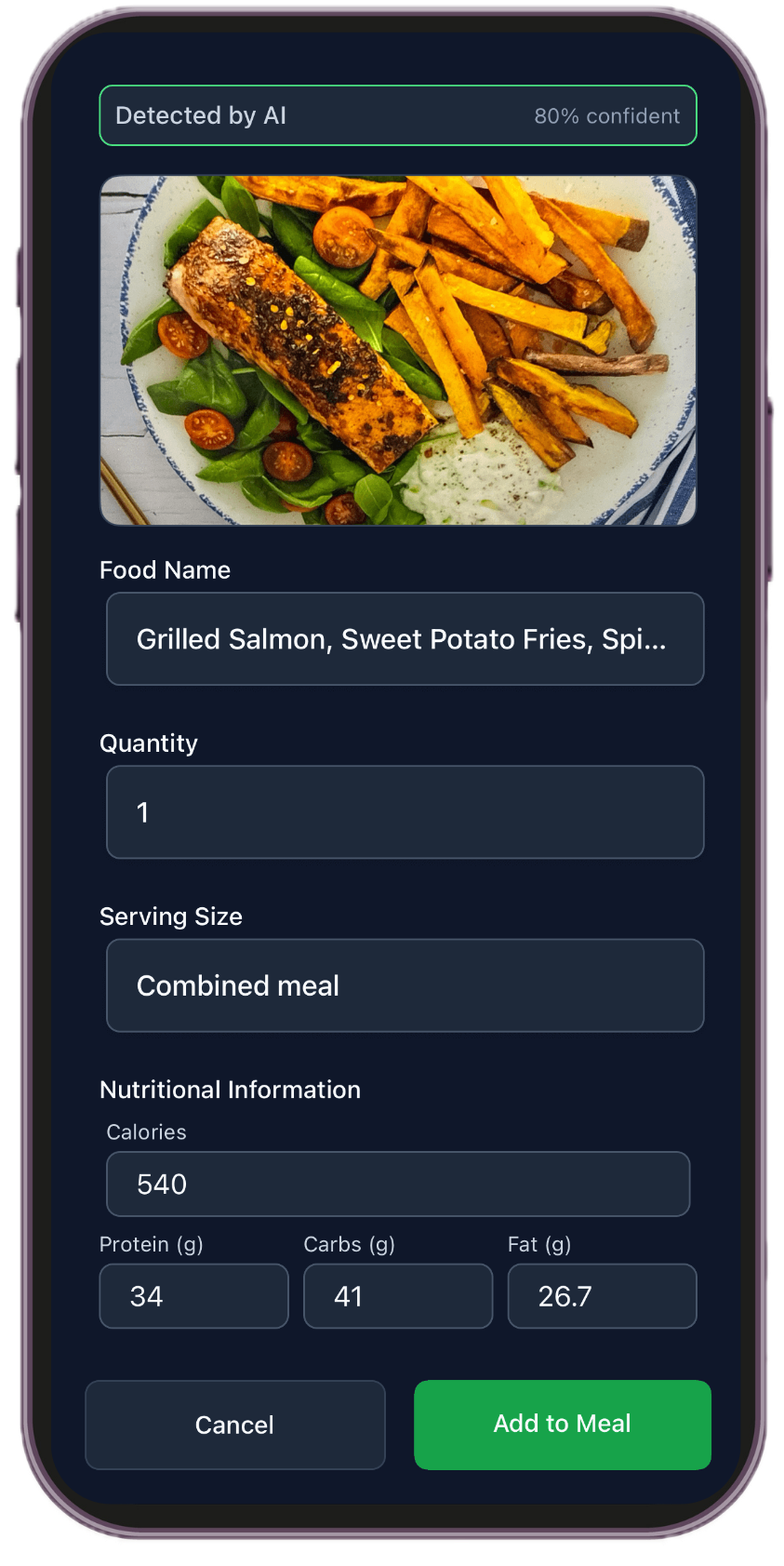
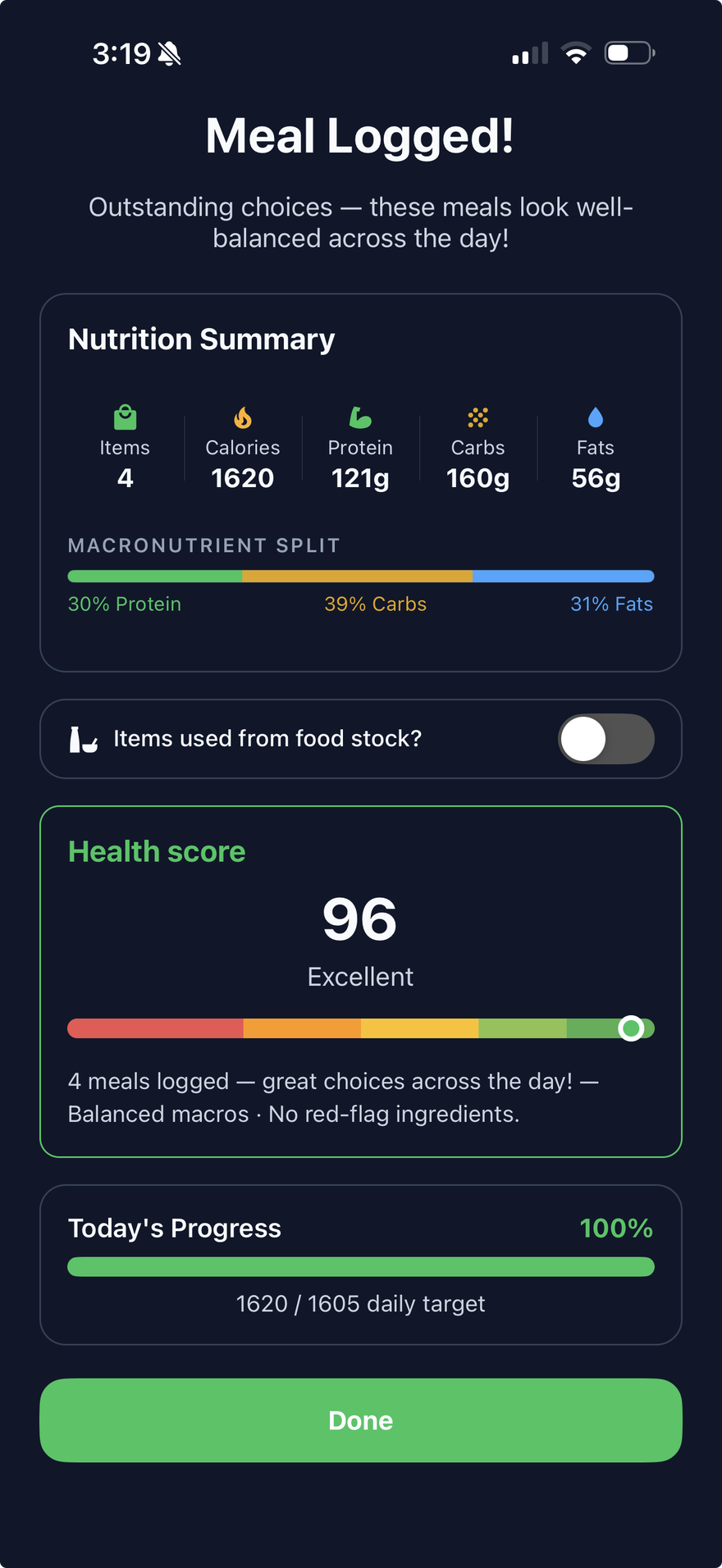
Photo estimates are not lab measurements. If you have a medical condition or a prescribed diet, follow your clinician’s guidance. This is a logging guide, not medical advice.
Why people want to track calories from photos
Typing every ingredient is why food diaries die. A photo is faster: you eat, you snap, you move on. That is the promise behind apps like Cal AI and the photo flow in LifeMaxing’s calorie tracker. The search query is really two questions: does it work, and how do I not fool myself?
It works well enough to steer a week when you help the estimate. It fails when the picture hides oil, drinks, second servings, or a plate you only half finished.
How photo calorie tracking works
The app looks at visible food, guesses items and portions, and returns calories and macros. That is an estimate from a 2D image. Lighting, camera angle, mixed dishes, and “hidden” calories (butter in the pan, dressing on the side, a latte out of frame) all change the number. Treat the first result as a draft. Confirm the foods, fix portions, then save.
How to take a loggable photo
- Shoot before the first bite. A half-eaten plate is a worse signal.
- Use overhead light and a clear angle. Dark restaurants make everything look like one food.
- Show the whole plate. Sides and sauces count. Cropping them out is how estimates go low.
- Un-stack the meal. If rice, chicken, and vegetables are mixed into one mound, spread them or add a note.
- Include a reference if you can. A fork, bowl rim, or standard plate helps portion size.
What photos still miss
- Cooking oils and butter
- Creamy sauces and dressings
- Drinks, including milk in coffee
- Second helpings and late-night extras
- Leftovers you did not eat
Add those by hand. For packaged food, scan the barcode or type the label. Photo logging is for cooked meals and restaurants, not for a protein bar with a barcode.
Pair the photo with a diet plan
A calorie photo without a target is a hobby. You still need a daily calorie and protein range that matches your goal — lose fat, maintain, or support training. LifeMaxing ties the log to workout and diet plans, so a snap is not an isolated diary. If you are starting from zero, use a beginner workout and diet plan first, then log meals against it.
Check the day view, not only the one meal. One generous restaurant estimate and one skipped breakfast can “cancel” in a way that hides the pattern. Consistency across the week matters more than a perfect single photo.
Put the guide into a daily system
LifeMaxing tracks habits, workouts, meals, sleep, and focus in one app. Start free.
Get the app